In product management, your portfolio is the most critical product you will ever ship. It's your definitive proof-of-work, demonstrating not just what you accomplished, but how you think, strategize, and execute under pressure. As someone who has hired PMs at Google, Meta, and hyper-growth startups, I can confirm that a well-crafted portfolio immediately separates the top 1% of candidates from the rest. It's the difference between getting an interview and getting ghosted.
This guide provides an actionable breakdown of standout product manager portfolio examples, built using seven distinct platforms. We'll analyze each for its strategic fit based on your career level—from an aspiring PM breaking in to a seasoned Group PM targeting a Director role. The principles of a compelling narrative apply across product and design; for deeper insights, you can explore guides on creating a good UX portfolio that impresses recruiters.
Forget abstract theories. This is a tactical playbook. You'll get direct links and screenshots for each example, highlighting specific strategies you can replicate. You will leave with a clear understanding of which platform to use and a framework for structuring case studies that hiring managers at companies like Stripe and OpenAI actually want to read.
1. Webflow: The Senior PM's Choice for a Scalable Career Narrative
For product leaders and senior PMs targeting roles at FAANG or late-stage startups, Webflow is the platform of choice. It bridges the gap between template-based builders and custom development, offering granular design control that signals technical literacy and a high bar for quality. This makes it an exceptional tool for crafting a narrative that grows with your career, allowing you to build detailed, metrics-driven case studies that reflect true strategic depth.
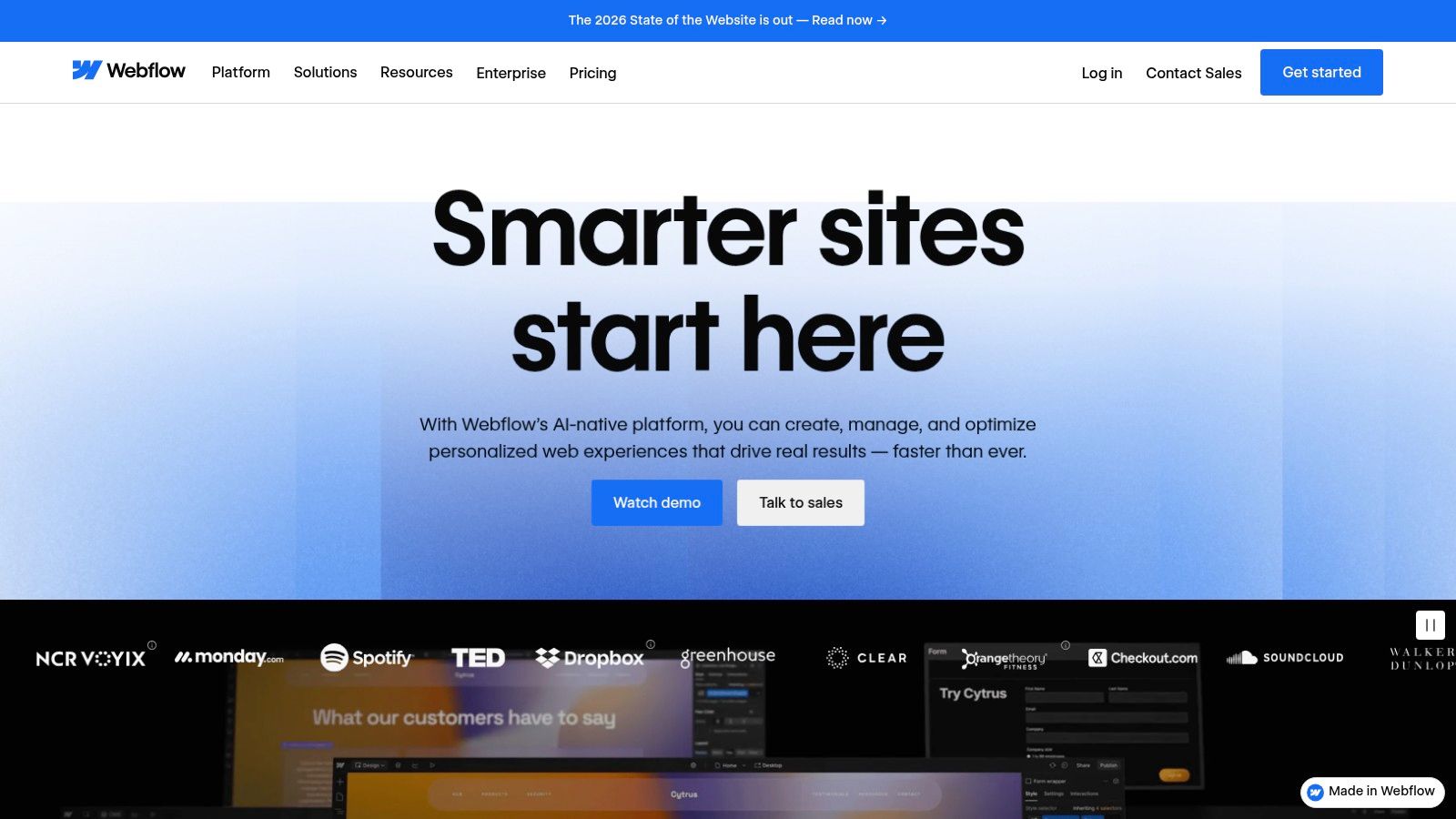
Unlike one-page builders, Webflow's powerful Content Management System (CMS) lets you structure your portfolio like a true digital product. You can create a "Projects" collection where each entry is a case study with custom fields for metrics (e.g., ARR increase, churn reduction), challenges, outcomes, and visuals. This database-driven approach ensures consistency and makes it effortless to add new projects. It’s one of the best platforms for building detailed product manager portfolio examples that stand the test of time.
Strategic Breakdown
- Professional Polish: Webflow sites look and feel custom-built. The design control allows you to align your portfolio's aesthetic with the design standards of top tech companies like Apple or Figma, signaling a high bar for quality.
- Scalable Content Architecture: The CMS is a game-changer for PMs with a deep history of shipped products. Instead of manually creating a new page for each project, you design one template and populate it from your database. This is how senior PMs manage a portfolio of 10+ projects without constant redesigns.
- Performance and SEO: Webflow produces clean, fast-loading code, which is critical for making a good first impression on hiring managers. Its built-in SEO tools help you optimize your portfolio to be discoverable by recruiters.
Pricing and Access
Webflow offers a Free Starter plan that allows you to build a two-page site and learn the platform. To publish on a custom domain, you'll need a paid Site plan, which starts at around $14/month (billed annually). Premium templates from the marketplace are a one-time purchase, typically ranging from $49 to $129. The learning curve is steeper, but the investment pays off with a portfolio that elevates your professional brand to an executive level.
Website: https://webflow.com
2. Etsy: The PM's Secret Weapon for Polished, Low-Effort Templates
For PMs who need a visually striking portfolio without the time investment of building from scratch, Etsy has emerged as a powerful resource. The platform is a marketplace for digital goods, including professionally designed portfolio templates for Canva and Notion. This is the ideal choice for PMs who want to focus on crafting compelling case studies rather than wrestling with web design, especially when facing a tight application deadline.
Unlike dedicated portfolio builders, Etsy offers a massive selection of pre-made templates from independent creators. You can find everything from sleek Notion dashboards to multi-page Canva presentations designed specifically for product manager portfolio examples. The instant-download model means you can purchase a template and begin adding your content within minutes. This approach is perfect for aspiring PMs or those making a career transition who need to stand out quickly.
Strategic Breakdown
- Speed and Accessibility: The primary advantage is speed. You can acquire a polished, well-structured portfolio layout for a small one-time fee and customize it in Canva or Notion, tools many PMs already use. This removes the technical barrier and learning curve associated with platforms like Webflow.
- Design Polish on a Budget: Many templates are created by professional designers, offering a high-end aesthetic. This allows you to present your work with a level of visual quality that signals attention to detail and a high professional standard, without the high cost.
- Structured for Storytelling: Top-tier Etsy sellers design these templates with PM case studies in mind. They include dedicated sections for problem statements, user research, metrics, solutions, and outcomes, providing a ready-made framework for effective narrative construction.
Pricing and Access
Etsy is a marketplace, so pricing is set by individual sellers. Digital portfolio templates are a one-time purchase, typically ranging from $10 to $50. Upon purchase, you receive an instant download link, usually with a PDF guide containing links to the Canva or Notion template. Be sure to check seller reviews and ensure the template meets your needs, as licensing is for personal use only.
Website: https://www.etsy.com
3. Webflow: The Senior PM's Choice for a Scalable Career Narrative
For product managers aiming to create a highly polished and scalable online presence, Webflow is the platform of choice. It bridges the gap between simple, template-based site builders and full-stack custom development, offering granular design control without requiring you to write code. This makes it an exceptional tool for crafting a narrative that grows with your career, allowing you to build detailed case study pages that truly reflect your strategic depth.
Unlike one-page builders, Webflow's powerful Content Management System (CMS) lets you structure your portfolio like a true digital product. You can create a "Projects" collection, where each entry is a new case study, complete with custom fields for metrics, challenges, outcomes, and visuals. This database-driven approach ensures consistency and makes it effortless to add new projects as you advance. It's one of the best platforms for building detailed product manager portfolio examples that can stand the test of time.
Strategic Breakdown
- Professional Polish: Webflow sites look and feel custom-built. The high level of design control allows you to align your portfolio's aesthetic with the design standards of top tech companies like Google or Apple, signaling a high bar for quality.
- Scalable Content Architecture: The CMS is a game-changer. Instead of manually creating a new page for each project, you design one template and populate it with content from your database. This is how senior PMs manage a portfolio of 10+ projects without constant, time-consuming redesigns.
- Performance and SEO: Webflow produces clean, fast-loading code, which is critical for making a good first impression on hiring managers. Its built-in SEO tools also help you optimize your portfolio to be discoverable.
Pricing and Access
Webflow offers a Free Starter plan that allows you to build a two-page site and learn the platform. To publish on a custom domain and unlock more features, you'll need a paid Site plan, which starts at around $14 per month (billed annually). Premium templates from the marketplace are a one-time purchase, typically ranging from $49 to $129. While there's a steeper learning curve, the investment pays off with a portfolio that elevates your professional brand.
Website: https://webflow.com
4. Squarespace: The All-in-One for a Polished & Professional Footprint
For mid-career PMs who need a credible, visually appealing portfolio quickly, Squarespace is the leading all-in-one solution. It excels at removing technical friction, offering a curated selection of modern, mobile-responsive templates that let you focus on your content, not code. It’s a fantastic choice for PMs who want to showcase their work with a professional sheen without a steep learning curve or technical maintenance.
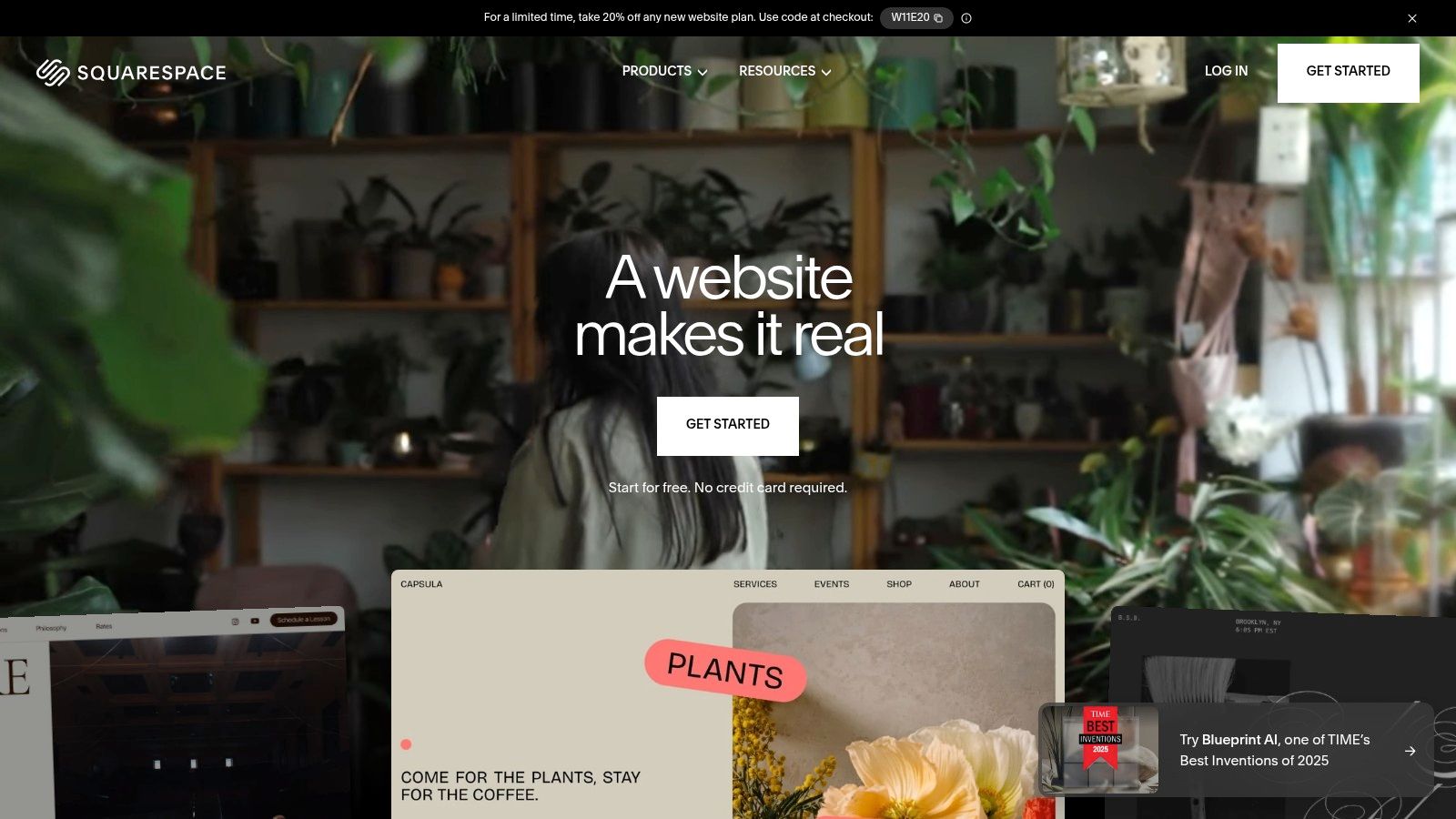
Squarespace provides a streamlined drag-and-drop editor and built-in features like SEO tools, analytics, and reliable hosting. This integrated approach ensures you can publish a fast, secure, and professional-looking site in hours. For those building strong product manager portfolio examples, it offers a great balance of speed and quality, letting you establish a solid online presence that impresses recruiters at companies like Shopify or Atlassian without demanding extensive setup time.
Strategic Breakdown
- Speed to Market: You can go from zero to a live, polished portfolio over a weekend. The templates are professionally designed, ensuring your final product looks credible and aligns with modern design standards right out of the box.
- Minimal Technical Overhead: Squarespace handles all hosting, security (SSL included), and updates. This "it just works" experience means you never have to worry about plugin conflicts or server maintenance, freeing you up to focus on content.
- Credibility by Design: The platform's emphasis on clean typography, ample white space, and high-quality image handling helps you present your case studies in a compelling, easy-to-read format that signals professionalism to hiring managers.
Pricing and Access
Squarespace offers a 14-day free trial. To go live, you need a paid plan. The Personal plan, sufficient for most portfolios, starts at $16/month (billed annually). This subscription includes hosting, a custom domain for the first year, and access to their customer support, making it a predictable investment in your career brand.
Website: https://www.squarespace.com
5. UXfolio: The Guided Path to a Metrics-Driven Narrative
For aspiring PMs or those transitioning from design/UX, UXfolio is an excellent choice. Its opinionated workflow is perfectly suited for PMs who need to translate complex projects into a clear, compelling narrative: problem, approach, and impact. The platform’s guided templates and writing prompts remove the guesswork, helping you focus on metric-driven storytelling from the start.
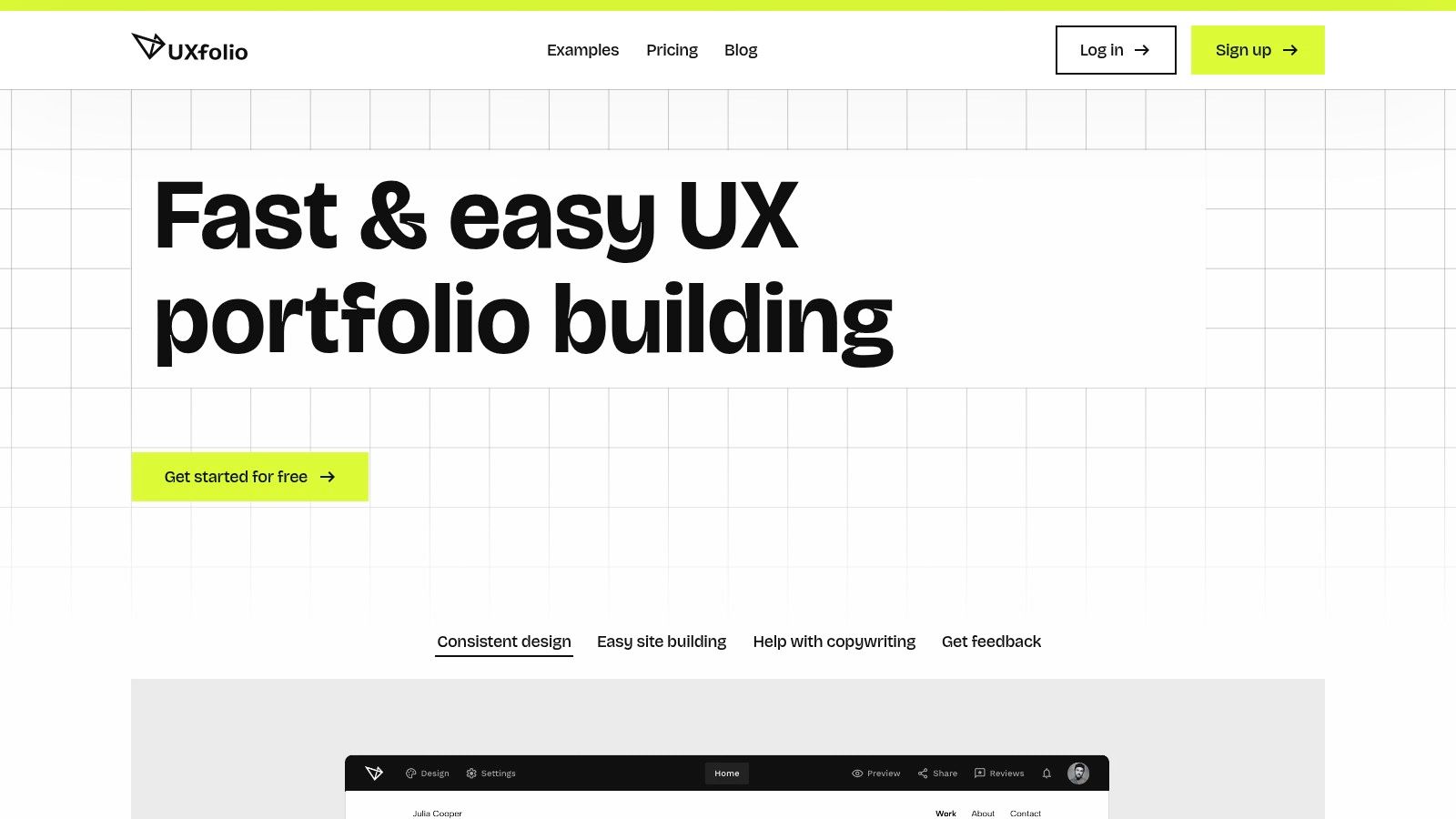
UXfolio’s core strength is its case study builder, which prompts you to articulate each step of your process logically. It encourages you to think like a hiring manager, ensuring you highlight the specific contributions and outcomes that matter most. This structured approach makes it one of the most efficient tools for creating high-quality product manager portfolio examples that demonstrate strategic thinking without requiring you to be a design expert. Its emphasis on data helps you build a portfolio that speaks the language of business impact.
Strategic Breakdown
- Accelerated Storytelling: The guided templates are the standout feature. By providing a pre-defined structure, UXfolio helps you bypass "blank page" paralysis and build credible, metric-focused case studies in a fraction of the time.
- Built-in Narrative Prompts: The platform's writing prompts help you craft concise narratives that resonate with PM hiring managers. These prompts guide you to include crucial details about user research and validation, a key part of the PM role and essential when learning how to conduct usability testing.
- Confidential Project Handling: Built-in password protection for individual case studies is a critical feature for PMs who have worked on sensitive or unreleased products, allowing them to share their work securely with recruiters.
Pricing and Access
UXfolio has a Free plan that allows one portfolio with one case study. To unlock unlimited public case studies, password protection, and a custom domain, the Premium plan starts at around $9/month (billed annually). While the branding is UX-centric, the underlying structure provides a powerful, fast, and effective way for product managers to showcase their strategic wins.
Website: https://uxfol.io
6. Behance: The Ultimate Free Resource for Case Study Inspiration
For PMs at all levels, Behance is an unparalleled free resource. It’s a massive creative gallery owned by Adobe where designers, UX researchers, and increasingly, product managers, publish detailed case studies. While not a traditional portfolio builder, it serves as the ultimate free library for studying how top-tier professionals from companies like Google, Spotify, and Airbnb structure their project narratives, visualize data, and communicate impact.
Behance’s primary value is in deconstruction and inspiration. Search for "product management" or "UX case study" to find thousands of real-world examples. This allows you to see how other PMs frame problems, showcase their process, and present outcomes visually. By studying these high-quality product manager portfolio examples, you can reverse-engineer effective storytelling techniques and dramatically improve the quality of your case studies before building your own site.
Strategic Breakdown
- Mastering Visual Storytelling: Many PMs struggle with design. Behance provides a masterclass in visual communication, showing how to use mockups, user flow diagrams, and data visualizations to create a compelling, easy-to-digest narrative.
- Deconstructing Case Study Structure: By analyzing dozens of examples, you can identify common patterns in successful case studies: the hook, the problem statement, the user research, the solution, and the quantified impact. This is an invaluable, free education in portfolio strategy.
- Low-Friction Publishing: For those just starting, you can publish your own case studies directly on Behance for free using an Adobe account. While not a replacement for a personal website, it's an excellent way to get your work online quickly and gather feedback.
Pricing and Access
Behance is completely free to use. You can browse, save, and comment on projects without any cost. To publish your own work, you only need a free Adobe ID. This makes it the most accessible platform on our list for both research and basic portfolio hosting. Its sheer volume of content makes it an essential first stop for any PM building a portfolio.
Website: https://www.behance.net
7. Notion template marketplaces (Notion Everything / Prototion)
For product managers who need a structured, text-first portfolio quickly, Notion template marketplaces like Notion Everything and Prototion are the ultimate shortcut. These platforms curate and sell Notion-based portfolio templates that you can duplicate directly into your workspace. This approach eliminates hosting complexities and design overhead, allowing you to focus purely on articulating your product stories and metrics.
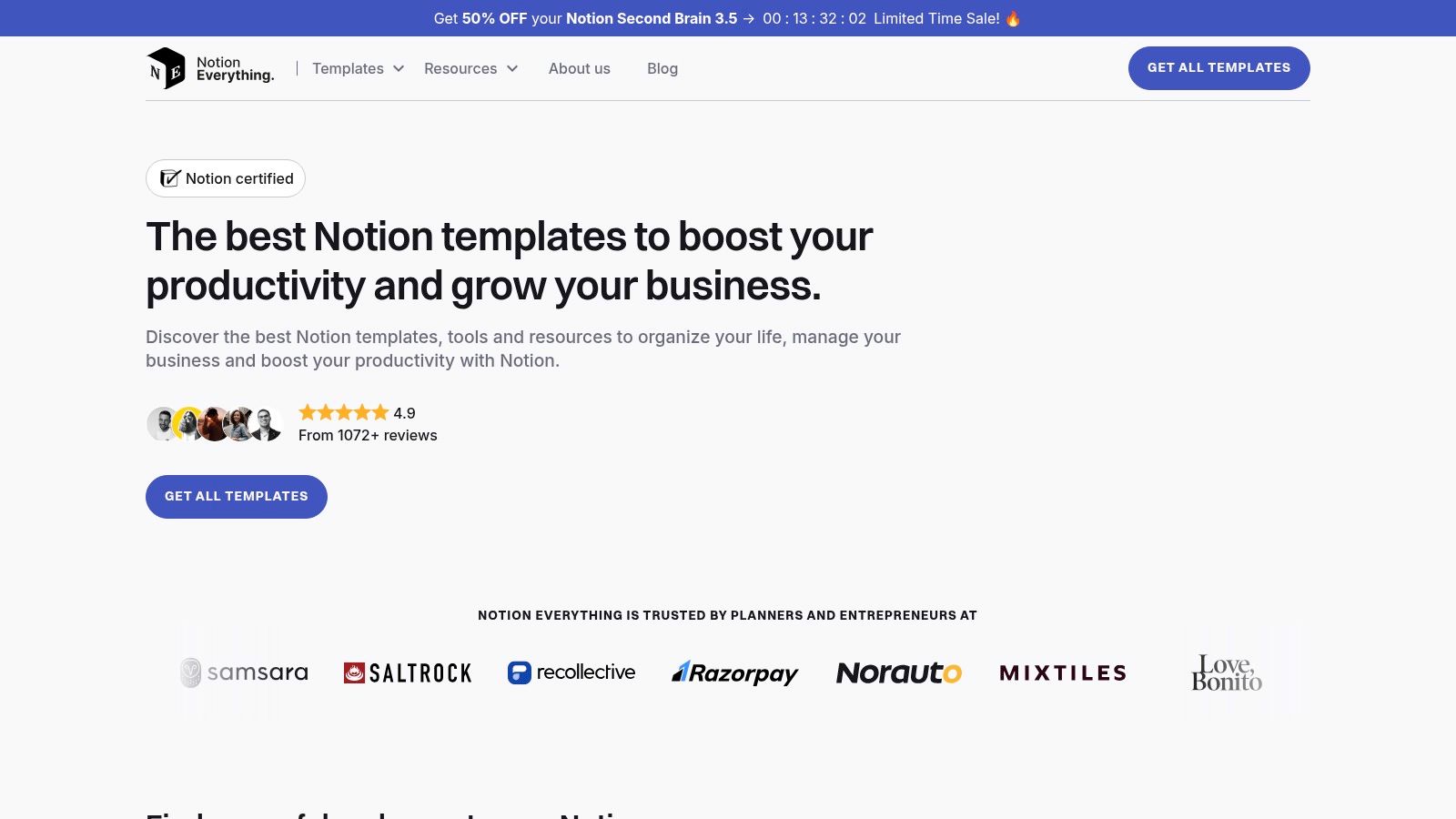
Unlike building a website from scratch, using a Notion template leverages a tool many PMs already use daily for PRDs and roadmaps. The best templates come pre-configured with databases for projects, skills, and artifacts, enabling you to link case studies to specific outcomes systematically. By simply publishing your customized Notion page to the web, you get a clean, shareable link that presents a detailed narrative, making it one of the most efficient ways to showcase product manager portfolio examples.
Strategic Breakdown
- Speed and Simplicity: This is the fastest path from zero to a functional portfolio. You can have a professional, well-organized site live in under an hour by duplicating a template and filling in your content. The process is as simple as writing a document.
- Structured Storytelling: Quality Notion templates are built with PMs in mind. They often feature structured case study layouts with dedicated sections for problem statements, user research, solution, and key metrics. This enforces a clear, logical narrative that hiring managers appreciate.
- Low Friction Maintenance: Your portfolio lives inside your Notion workspace, making updates effortless. Adding a new project is as simple as adding a new entry to a database, ensuring your portfolio can grow with your career without requiring a redesign.
Pricing and Access
Many high-quality portfolio templates on these marketplaces are free or available for a one-time purchase, typically under $50. Once duplicated, you can host it publicly using Notion’s built-in "Share to web" feature, which is available on their Free Personal plan. This makes it an incredibly cost-effective option. While you trade deep customization for speed, the structure works well alongside a resume; many templates complement the content of a modern product manager resume template.
Website: https://www.notioneverything.com
Product Manager Portfolio Platforms — 7-Site Comparison
| Option | Ideal For 🎯 | Cost & Effort ⚡ | Key Feature ⭐ | Outcome 📊 |
|---|---|---|---|---|
| Webflow | Senior PMs, Leaders | High: $14+/mo + learning curve | Full design control, CMS | A scalable, custom-branded career asset |
| Etsy Templates | Aspiring PMs, Fast Movers | Low: $10-50 one-time | Polished design templates | A visually strong portfolio in hours, not weeks |
| Squarespace | Mid-Career PMs | Medium: $16+/mo | All-in-one platform | A professional, reliable site with minimal upkeep |
| UXfolio | PMs from UX, New PMs | Low: $9+/mo (Free tier) | Guided case study builder | A structured, metrics-focused narrative |
| Behance | All PMs (for research) | Free | Massive inspiration gallery | Deep understanding of case study best practices |
| Notion Templates | All PMs, especially B2B/SaaS | Low: Free – $50 one-time | Speed, structure, integration | A functional, easy-to-update portfolio, live in minutes |
From Examples to Execution: Your Action Plan
We've deconstructed seven powerful product manager portfolio examples, from the rapid deployment of Notion templates to the bespoke craftsmanship of Webflow. The pattern for high-impact portfolios is clear: they are strategic career assets, not just project archives.
The portfolios I've seen land offers at Meta, Google, and Stripe consistently do three things well. First, they are metric-driven, showcasing quantifiable impact with real data (e.g., "shipped X which increased activation by Y%"). Second, they reveal deep strategic thinking, articulating the "why" behind every decision. Third, they are explicitly tailored to the specific role and company.
Distilling the Key Takeaways
From our deep dive into these examples, several core principles stand out as critical for building a portfolio that gets you hired:
- Storytelling Over Listing: Your portfolio must tell a story of growth and impact. Use frameworks like STAR (Situation, Task, Action, Result) or the Amazon-style PR/FAQ to structure each case study into a compelling narrative, not just a list of features.
- Focus on Process, Not Just Polish: Hiring managers are far more interested in your thought process. Show your work-in-progress, your decision-making frameworks (e.g., RICE for prioritization), and how you navigated ambiguity and tradeoffs. This is what separates junior talent from senior, strategic thinkers.
- Quantify Everything Possible: Move beyond "improved user engagement." Use specific metrics: "Drove a 15% increase in WAU by redesigning the onboarding flow, which reduced user drop-off by 22% in the first 7 days and contributed to a $2M ARR lift."
Your Next Steps: From Insight to Implementation
Inspiration is valuable, but execution is what lands the offer. Here is your 24-hour action plan to translate these examples into your own career-defining portfolio.
1. Choose Your Tool Wisely (By Career Level):
- For Speed & Simplicity (Aspiring/Entry-Level PMs): Start with a Notion template from Prototion. Goal: get your content structured and live quickly without getting bogged down in web design.
- For Visual Storytelling (Mid-Career/Consumer PMs): If you're targeting roles at companies like Airbnb or Pinterest, use Squarespace or UXfolio to showcase your product sense and user empathy.
- For Maximum Impact (Senior/Leadership PMs): If you need full control over the narrative and design for a Head of Product role, invest the time in Webflow to build a unique, professional site.
2. Select and Structure Your Best Work:
Don't document every project. Pick your top two or three case studies that best demonstrate the skills required for the roles you're targeting. For each, create a detailed write-up focusing on the problem, your specific role, the process you followed (discovery, validation, delivery), and the measurable outcome.
3. Develop Your Launch Plan:
Once you've chosen your tools, you need an execution strategy. This process can be further guided by learning how to create a robust action plan. Set a hard deadline—aim to have a "Version 1.0" of your portfolio live within two weeks. Perfection is the enemy of progress; your goal is to ship and iterate. A living portfolio that you update every six months is one of the highest-leverage career assets you can build. It’s not just a job-hunting tool; it’s your professional growth journal.
For ongoing, world-class insights on product management, career growth, and navigating the tech industry, I highly recommend subscribing to the newsletter from Aakash Gupta. His deep dives and frameworks provide the kind of strategic thinking that will not only help you build a better portfolio but also excel in your PM career. You can subscribe and explore his work at Aakash Gupta.
