What separates a Product Manager who ships features from one who builds a category-defining product at Google or Meta? It's not about having better ideas. It's about mastering the relentless cycle of prototyping and testing to kill bad ideas before they consume millions in engineering resources. This isn't just a step in a process; it's the core risk-mitigation discipline that separates PMs who get promoted from those whose products end up on a "failed products" list.
For a senior PM at a company like OpenAI, the ability to rapidly prototype a new AI agent feature, test it with a niche user group, and pivot based on feedback within 48 hours is non-negotiable. This guide provides the tactical frameworks you need to operate at that level, regardless of your current title.
Why Prototyping Prevents Billion-Dollar Mistakes
In my time leading product at a unicorn, the most valuable meetings weren't in polished boardrooms with slick slide decks. They were the scrappy, informal sessions where we’d put a rough-and-tumble prototype in front of real users. Those early, candid moments saved us millions and consistently pointed us toward real market needs, fueling our growth engine.
This isn't just a nostalgic war story; it's a harsh market reality. Too many PMs are pressured to ship fast, but shipping the wrong thing fast is the quickest path to failure. By systematically prototyping and testing, you can effectively validate a business idea before burning through your budget and your team's energy.
The Staggering Cost of Skipping Validation
The data paints a grim picture for products that launch on assumptions alone. A shocking 80-95% of new products fail within their first year. For tech products, that number is closer to 90%. This isn't bad luck. A staggering 72% of those failed products completely ignored customer feedback during development. Prototypes that don't get in front of real users are basically doomed from the start.
Remember the Samsung Galaxy Note 7? A rushed process with flawed battery testing led to devices literally catching fire. The result was a colossal $17 billion recall. This wasn't a minor bug; it was a catastrophic failure of the prototype and test cycle on a global scale.
As a PM, your primary job is to reduce risk. Every prototype you build and every test you run is an insurance policy against a bad investment of your team's most precious resource: time.
This guide will give you a practical, step-by-step approach to mastering this foundational skill. We're going to move beyond abstract theory and get into the tactical execution that defines top-tier product management. This requires a structured way of thinking, which is why having a solid framework for making decisions is critical. You'll learn not just how to build and test, but how to think like a PM who consistently delivers winning products.
Choosing The Right Prototype For The Right Question
Not all prototypes are created equal. One of the biggest mistakes I see junior and mid-career PMs make is spending a week on a pixel-perfect Figma design when a paper sketch would have answered their most critical question in an hour.
The art of this job is matching the fidelity of your prototype to the specific question you need to answer. This isn't just about saving time; it's about maximizing learning velocity. Getting this wrong burns team morale, wastes precious engineering cycles, and sends you down rabbit holes based on flawed ideas.
Aligning Fidelity With Your Core Question
The fidelity of your prototype should directly map to the uncertainty of your hypothesis. Are you testing the fundamental value proposition? Or are you just refining the usability of a specific user flow?
Each question demands a different tool and a different level of detail. Think of it as a journey to de-risk your idea, starting broad and messy and then adding layers of polish as your confidence grows.
- Low-Fidelity (Lo-Fi): The goal here is to test the big idea. Is this even a problem worth solving? Lo-Fi is perfect for early concept validation and exploring the basic information architecture.
- Mid-Fidelity (Mid-Fi): Now that you know the what, you're figuring out the how. Mid-Fi is ideal for testing user flows and layouts. Can a user successfully navigate from point A to point B? Is the page structure logical?
- High-Fidelity (Hi-Fi): This is where you test the actual user experience. Hi-Fi is used for usability testing and getting real feedback on visual design. Are the UI elements intuitive? Does the design resonate with users?
A prototype is a question embodied in a shareable form. If you don't know what question you're asking, you're not prototyping—you're just making pictures.
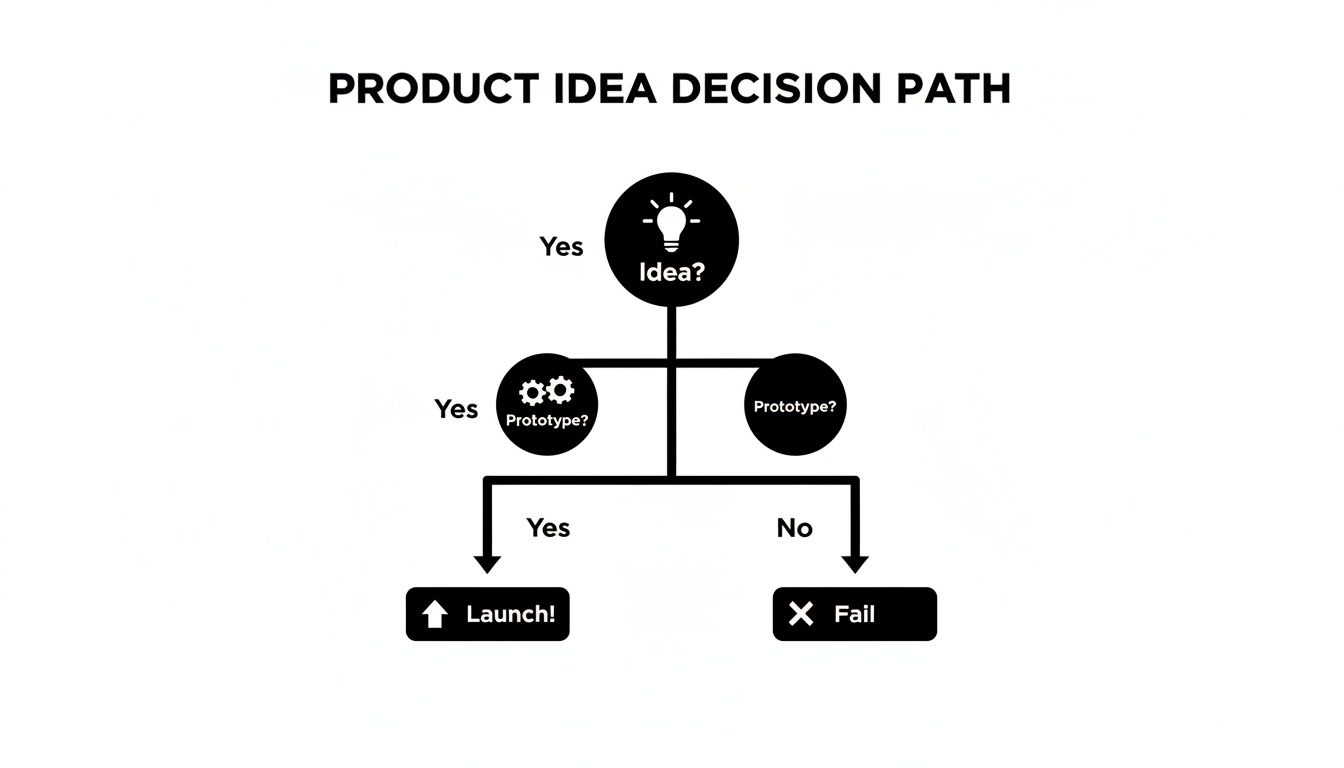
This simple flowchart shows the critical decision path every product idea must travel to avoid failure. It’s a reminder that having an idea is just the starting point. The decision to prototype and test is the gate that separates promising concepts from those destined to fail.
To make this even more practical, here’s a framework I use to decide which level of fidelity makes sense based on where I am in the development process.
Prototype Fidelity Decision Matrix
| Fidelity Level | Best For (Learning Goal) | Recommended Tools | Example Use Case | Time Investment |
|---|---|---|---|---|
| Low-Fidelity | Validating core concepts, problem-solution fit, and exploring different user flows at a high level. | Pen & Paper, Whiteboard, Balsamiq, Whimsical | Sketching 5 different onboarding flows to see which one feels most intuitive to the team. | Minutes to a few hours |
| Mid-Fidelity | Testing information architecture, layout, navigation, and specific user task completion. | Figma, Sketch, Adobe XD | Building a clickable grayscale wireframe to test if users can successfully find and use a new search filter. | Hours to a few days |
| High-Fidelity | Testing usability with realistic UI, validating visual design, and gathering feedback on the end-user experience. | Figma, Sketch, ProtoPie | Creating a pixel-perfect, interactive prototype for a formal usability study before handoff to engineering. | Days to a week+ |
This matrix isn't rigid, but it's a solid starting point. The key is to consciously choose your fidelity level instead of defaulting to your favorite tool.
The PM's Prototyping Toolkit
Resisting the urge to jump straight into a high-fidelity design tool is the mark of a seasoned PM. Your toolkit needs to be flexible.
For Lo-Fi prototypes, think fast and disposable.
- Napkin Sketches & Paper Prototypes: Still the fastest way to get an idea out of your head. Airbnb famously used simple storyboards to prototype the host experience, validating their entire concept without writing a line of code.
- Balsamiq or Whimsical: These digital tools are fantastic for creating simple wireframes that focus entirely on structure and flow, intentionally stripping away any distracting visual design.
When you move to Mid-Fi or Hi-Fi, you need interactivity.
- Figma & Sketch: These are the industry standards for a reason. They let you create clickable prototypes that look and feel like the real thing, which is essential for any serious usability testing.
A new wave of AI-powered tools is also changing the game, especially for rapid ideation. Tools like Uizard can now generate wireframes and even mockups directly from text prompts, turning hours of manual work into minutes. This speed gives PMs a massive advantage when they need to test multiple concepts quickly. For an AI PM, using a prompt like "Generate a 3-screen mobile wireframe for a user onboarding flow for a language learning app that prioritizes visual learning" can produce a testable concept in under five minutes.
For a deeper dive, check out our detailed guide on how to create a product prototype using these modern tools.
Running User Tests That Generate Actionable Insights
A beautiful prototype is just an expensive picture if you don't test it. This is where we get tactical—turning that sketch or high-fidelity mockup into a machine for generating real insights, not just a pile of opinions. Let's walk through the essential testing methods every PM needs in their back pocket.
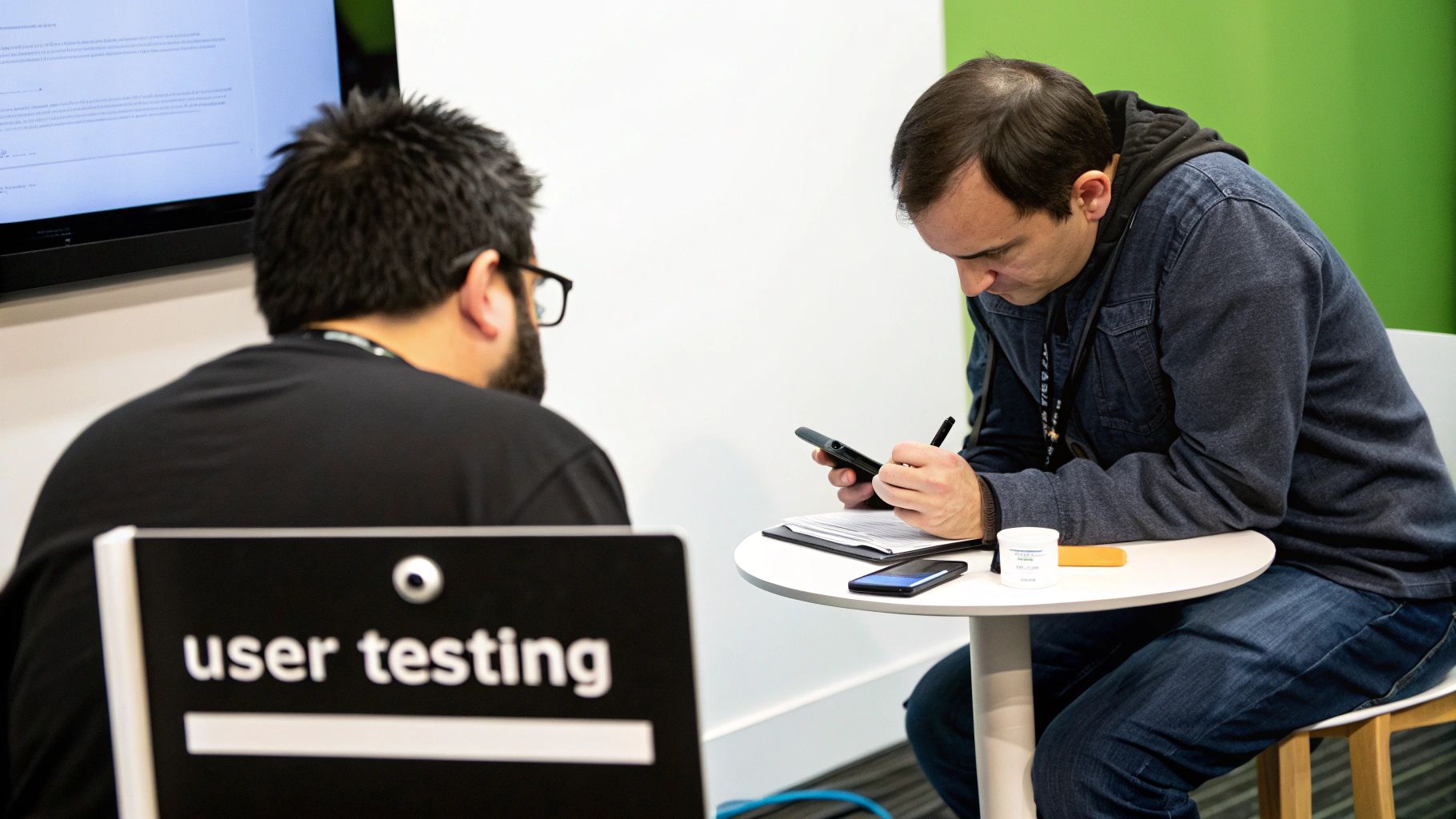
Honestly, this step is what separates products that get used from those that become cautionary tales. The startup graveyard is a stark reminder of this; a staggering 9 out of 10 startups fail, and a huge reason is that they never truly validated their ideas with actual users. It's the same story inside big companies, too—launching a "solution" without doing the tough customer discovery work during the prototype phase.
The PM's Testing Toolkit: Three Core Methods
As a PM, you'll encounter a ton of different testing methodologies, but three will cover 90% of what you need to test new ideas.
- Usability Testing: This is your bread and butter. The whole point is to see if people can actually complete specific tasks with your prototype. The fundamental question is simple: Can people use this thing? This is how you find all the friction points, confusing navigation, and broken workflows before they cost you real customers.
- Concept Validation: This comes much, much earlier, often with a bare-bones prototype or even just a slide deck. You're not testing usability here; you're testing the core idea. You're asking: Should we even build this thing? Does the concept actually resonate with your target audience and solve a problem they care about?
- A/B Testing: This is a purely quantitative game. You're comparing two or more versions of a single design to see which one performs better on a specific metric, like conversion rate or click-throughs. The question is straightforward: Which version of this thing works better? For a deeper dive, learn about A/B testing landing pages to see how this plays out in the wild.
Recruiting The Right Participants
Let me be blunt: your test is only as good as the people you test with. Testing a new fintech feature on your internal marketing team is going to give you garbage data. You absolutely need real, representative users.
- For B2C Products: Platforms like UserTesting.com or UserZoom are your friends. They make it ridiculously easy to find participants from specific demographics. You can screen for age, location, income, and even behavioral traits.
- For Niche B2B Products: This takes more hustle, but it's worth it. My go-to method is targeted LinkedIn outreach. Find people with the exact job titles you're targeting and send them a concise, professional message offering an incentive (like a $100 Amazon gift card) for 45 minutes of their time. It works.
I've hired PMs based on their resourcefulness in finding niche test participants. It shows a deep commitment to understanding the actual customer, not just the most convenient one.
Crafting An Effective Test Script
A test script isn't a speech you read word-for-word. Think of it as your guide—a way to make sure you hit your learning objectives without accidentally leading the user. A poorly written script can completely invalidate your results.
The cardinal sin is asking leading questions. Don't do it.
- Bad Question (Leading): "We made this checkout process much simpler, don't you think?"
- Good Question (Open-ended): "Please show me how you would purchase this item."
Here’s a basic structure I use for a 45-minute usability test:
- Introduction & Warm-up (5 mins): Build rapport. "Thanks for your time. There are no right or wrong answers. We're testing the prototype, not you."
- Context Setting (5 mins): Set the scene. "Imagine you're a project manager looking for new software to track your team's tasks…"
- Task 1 (10 mins): Give a clear, goal-oriented task. "Show me how you would create a new project and assign a a task to a team member."
- Task 2 (10 mins): Move to another core workflow. "Now, find where you would view the progress of all ongoing projects."
- Follow-up & Debrief (15 mins): Ask broad questions. "What was your overall impression? Was anything confusing or frustrating? What did you expect to see that you didn't?"
For a much more detailed breakdown of this whole process, check out our guide on how to conduct usability testing: https://www.aakashg.com/how-to-conduct-usability-testing/
Synthesizing Feedback With The Rainbow Spreadsheet
After about five interviews, you'll be drowning in notes. The 'Rainbow Spreadsheet' is a brilliantly simple technique for making sense of all that qualitative data.
Just create a spreadsheet where each column is a test participant. Each row is a specific observation, finding, or direct quote. As you fill it in, use color-coding to highlight when different users say or do the same thing.
When you see a "rainbow" of colors stretching across a single row, you've struck gold. That's a high-priority pattern that needs your immediate attention. It's a low-tech way to turn a mess of conversational data into a clean, prioritized list of action items for your next iteration.
Translating User Feedback Into Product Decisions
Getting feedback after a prototype test session is the easy part. The real work—the skill that separates a top-tier PM from everyone else—is knowing what to do with that raw data.
It’s about turning a flood of user comments, hesitations, and frustrations into a clear, prioritized product roadmap.
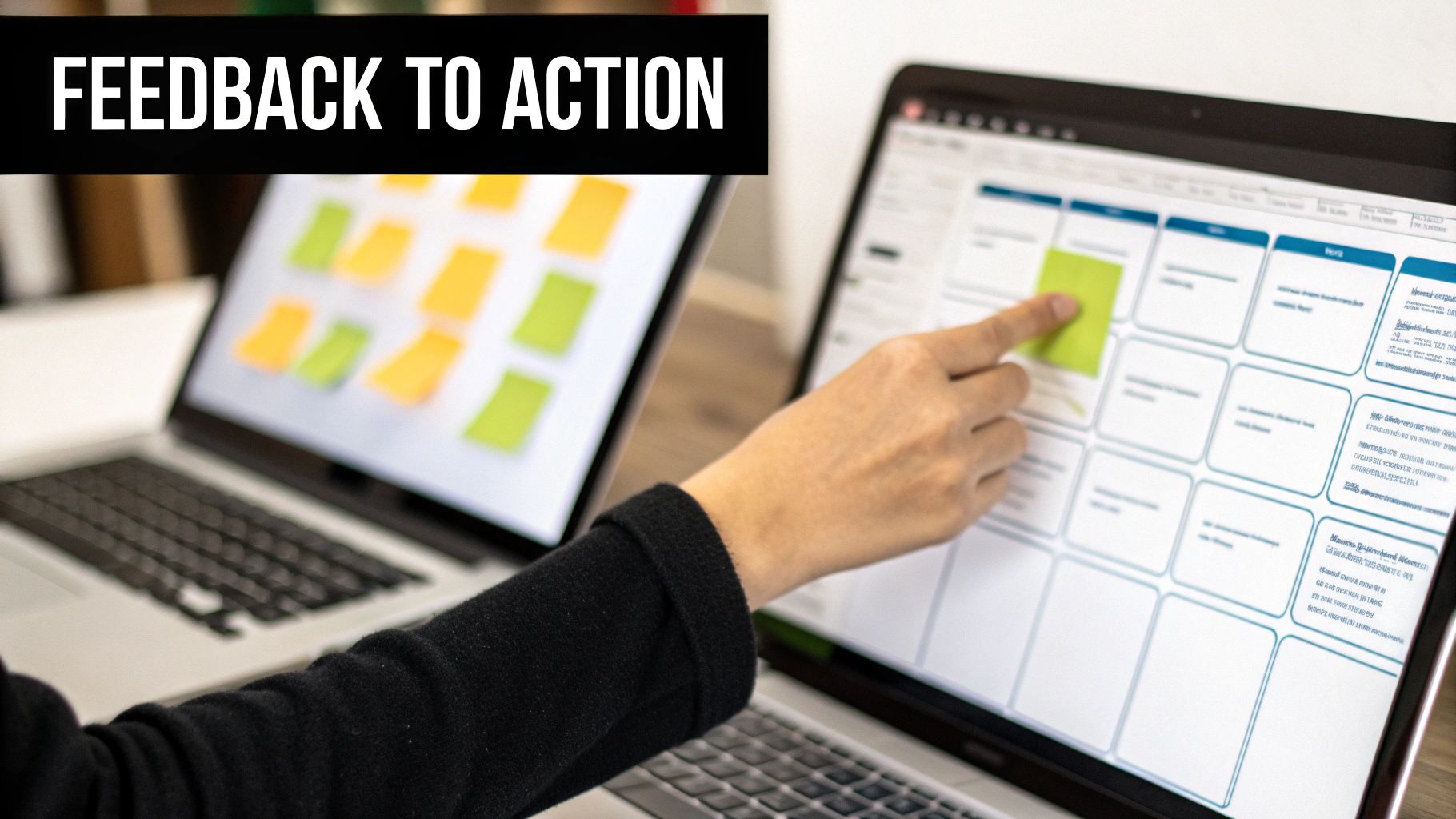
Simply listing everything users said isn't going to cut it. Your job is to dig deeper. You need to hunt for the underlying patterns and root causes. A user might say, "I don't like this button," but the real issue could be a confusing icon, bad placement, or a completely broken user expectation.
A Framework for Cutting Through the Noise
To bring some order to the chaos, I immediately categorize all feedback into four distinct buckets. This simple framework forces you to stop looking at individual comments and start seeing strategic themes, which makes prioritizing about a thousand times easier.
- Usability Issues: These are the friction points. Users struggled to find a feature, a workflow was confusing, or the navigation felt illogical. This is usually the low-hanging fruit you can iterate on right away.
- Missing Features: Users flat-out asked for functionality that doesn't exist. "It would be great if I could export this report to a CSV," is a classic example. This kind of feedback feeds directly into your future roadmap.
- Confusing Copy: The words on the screen are the problem. This could be unclear button labels, baffling instructions, or jargon that your audience just doesn't get. These are often the quickest wins you'll find.
- Strategic Misalignments: This is the most critical bucket, and the one that should make you sit up straight. This is feedback that suggests a fundamental disconnect between your product's value prop and what the user actually needs. If you hear this, you need to hit pause and re-evaluate your core assumptions.
By sorting every piece of feedback into these categories, you create a structured overview that’s much easier to analyze and act on. For a deeper dive into this process, check out these excellent customer feedback analysis tools that can automate some of the heavy lifting.
Prioritizing With an Impact vs. Effort Matrix
Okay, your feedback is categorized. Now what? You have to decide what to tackle first. My go-to tool for this is the Impact vs. Effort matrix. It's a simple 2×2 grid that helps you visualize exactly where to focus your energy.
Map each piece of feedback or identified pattern onto the grid by asking two simple questions:
- Impact: How much will addressing this improve the user experience or move us toward our business goals?
- Effort: Realistically, how much engineering and design time will it take to implement a solution?
Your prime target is the high-impact, low-effort quadrant. These are your quick wins—the changes that deliver the most value for the least amount of work. Fix these first to build momentum and show your team some immediate progress.
High-impact, high-effort items are your big-ticket initiatives that need careful planning and a dedicated spot on the roadmap. And the low-impact items? Generally, you should avoid them unless they are so low-effort they're almost free.
Weaving Your Data Into a Compelling Story
Your final step is to sell your findings and proposed actions to stakeholders and your engineering team. Don't just show up with a spreadsheet of user quotes. You need to craft a narrative.
Start with the key themes you identified. Use powerful, direct quotes—or even better, video clips from your user tests—to bring the problems to life. Show, don't just tell. When an engineer sees a real user physically struggling with a feature they built, it’s infinitely more motivating than a ticket in Jira.
Always frame your recommendations in the context of business impact. Instead of saying, "We should change the button copy," try this: "By clarifying this button copy—a low-effort fix—we believe we can reduce user error on this critical step by 15% and improve conversion."
This approach connects the user's problem directly to a business outcome, making it much easier to get buy-in. Suddenly, your raw test data is a powerful tool that justifies your roadmap and aligns the entire team.
Learning from High-Stakes Product Failures
Some of the most valuable lessons in product management don't come from runaway successes, but from spectacular failures. When the pressure is on and leadership wants to ship now, remembering these cautionary tales is your best defense against making a career-defining mistake.
Prototyping and testing aren't just boxes to check for a new feature. They're your primary defense against becoming the next big flop. I've learned far more from dissecting what went wrong on other products than from celebrating what went right. These stories provide the hard evidence you need to convince stakeholders that validation isn't a "nice-to-have"—it's an essential risk-mitigation strategy.
Amazon Fire Phone: The $170 Million Miscalculation
The Amazon Fire Phone is the textbook example of a solution desperately searching for a problem. Launched in 2014, it was gone just over a year later, leaving a $170 million write-down in its wake. The problem wasn't the tech; it was a complete and utter misread of what users actually wanted.
Amazon poured resources into features like "Dynamic Perspective," a gimmicky 3D interface, and "Firefly," a tool for identifying products to buy on Amazon. These were engineering marvels, but they were answers to questions nobody was asking. Their prototypes were probably gorgeous, high-fidelity machines, but the testing process completely missed the most critical question: Why would anyone choose this over an iPhone or Android?
This disaster was entirely preventable with a smarter prototype strategy.
- Intervention Point: Early Concept Validation. Before a single line of hardware code was written.
- Alternative Strategy: Instead of building a whole phone, they could have prototyped the core "innovations" as standalone apps. Imagine a simple iOS app that just simulated the Firefly shopping experience.
- The Critical Test: Put that app in front of loyal iPhone users and ask, "Would you switch your entire phone to get this feature?" The answer would have been a swift, resounding "no," saving Amazon hundreds of millions of dollars and a whole lot of embarrassment.
HP TouchPad: A 48-Day Lifespan
If the Fire Phone's failure was a slow burn, the HP TouchPad was a flash in the pan. It lasted a mere 48 days on the market in 2011 before HP pulled the plug. Why? The device was hobbled by buggy software and a value proposition that was a poor imitation of the iPad, which already dominated the market.
HP rushed to compete, but in doing so, they skipped the most fundamental step: making sure the core experience wasn't just good, but stable. The first users were met with a sluggish, frustrating device that felt half-baked.
High-stakes decisions demand high-quality evidence. A prototype test is the fastest, cheapest way to gather that evidence before you bet the company on a flawed assumption.
These iconic flops aren't anomalies. Samsung's Galaxy Note 7 battery defects, which literally sparked fires, cost the company an estimated $17 billion. The Product Development and Management Association (PDMA) found it takes nearly nine ideas to produce just one successful product, with only 61% of new launches hitting their business goals. You can discover more insights about product failure rates to grasp the full scope of these risks.
The Strategic Argument for Validation
These products didn't fail because of a lack of talent or money. They failed because the prototype and test process broke down at a strategic level. They built the thing right, but they never stopped to rigorously confirm they were building the right thing.
As a PM, when you feel the pressure to cut corners on validation, these stories are your ammunition. Frame the conversation around risk. Is it better to spend a week testing a simple prototype now, or risk months of wasted engineering effort and a nine-figure write-down later?
Your job isn't just to ship features. It's to make sure you're shipping the right features to the right users, and prototyping is how you prove you're on the right track.
Common Questions About Prototyping and Testing
As you start weaving this validation-first mindset into your daily work, you're going to hit some friction. It’s inevitable. Here are some of the most common hurdles I've seen product managers face when they get serious about prototyping and testing, along with my straight-up answers.
How Do I Convince Stakeholders to Invest Time in Testing?
Ah, the classic PM showdown: speed versus certainty. The secret here isn't to win the argument—it's to reframe it completely. You're not asking for a delay. You're proposing a way to dodge a catastrophic risk.
Start speaking their language: business impact. Ditch the PM jargon.
Instead of saying, "We need two weeks for usability testing," try this: "To de-risk our $250,000 engineering investment, I want to run a three-day design sprint to validate our core assumption with five users. It's a small upfront cost to make sure we don't spend the next three months building something nobody wants."
Testing isn't what slows you down. What slows you down is building the wrong product, then having to rebuild it two quarters later. Position prototyping not as a cost, but as the cheapest insurance policy the company can buy.
Bring data to the fight. Gently remind them that nearly 90% of new tech products fail, usually because they never bothered to check in with actual users. And if that doesn't work? A single, powerful video clip of a user fumbling through your prototype is more persuasive than a hundred slides.
What Is the Best Way to Recruit Niche B2B Participants?
Finding users for a super-specialized B2B product can feel like searching for a unicorn, but it's totally possible if you're willing to hustle. Your standard consumer tools like UserTesting.com just won't cut it here.
You need to attack this from multiple angles:
- Lean on Internal Teams: Your Customer Success and Sales folks are sitting on a goldmine. They have direct lines to your power users and friendly clients who are often more than happy to give you feedback.
- Go Direct on LinkedIn: This is my go-to. Fire up Sales Navigator and find people with the exact job title at your target companies. Send a short, respectful message offering a fair incentive. Think $100-$150 for 45 minutes of their expert time—it's worth it.
- Infiltrate Niche Communities: Where do these professionals hang out online? Find their industry-specific Slack groups, forums, or subreddits. Don't just show up and ask for favors; become a real member of the community first.
Whatever you do, avoid testing with your own colleagues. Their internal knowledge and biases will give you dangerously misleading results. Don't do it.
Can I Use AI to Prototype and Test More Effectively?
Absolutely. For the modern PM, AI is a massive accelerator. When it comes to prototyping, tools like Uizard or Galileo AI can spin up wireframes and even high-fidelity mockups from a simple text prompt. This shrinks the time for initial concept creation from days down to minutes, letting you test way more ideas, faster.
AI is just as game-changing in the testing phase. You can use it to:
- Analyze Session Recordings: Let AI sift through hours of user recordings to automatically flag moments of frustration, like rage clicks or a cursor that's wandering aimlessly.
- Synthesize Qualitative Data: Drop your interview transcripts into a model like GPT-4. Use a prompt like: "Act as a senior product manager. Analyze these five user interview transcripts and identify the top three recurring pain points, citing specific quotes for each."
This lets you offload the grunt work and focus your brainpower on the strategic insights that actually move the needle on your product.
What Is a Common Mistake Junior PMs Make When Testing?
The single most common and damaging mistake is asking leading questions. Junior PMs are often so in love with their idea that they subconsciously fish for validation instead of truth.
You'll hear questions like, "Isn't this new design so much cleaner?" or "We made this easier, right?" This just primes the user to agree with you, making their feedback totally useless.
A seasoned PM stays neutral. They're an observer. They present the prototype and give open-ended, task-based instructions like, "Show me how you would find your monthly performance report." Then they shut up. They get comfortable with the awkward silence and let the user struggle. The most valuable insights live in those moments of confusion, not in polite agreement. Your goal is to find the flaws in your own thinking, not to have your ego stroked. If you want to build this objective muscle, you can explore some of the best practices for A/B testing to sharpen your mindset.
At Aakash Gupta, we provide the frameworks and insights you need to excel at every stage of your product management career. To get tactical advice from a 15-year product veteran delivered to your inbox, subscribe to the newsletter.
