Forget the dry, textbook definitions you've probably heard. A user story isn't just a sentence; it's the fundamental unit of work that separates junior backlog managers from senior product leaders at companies like Google, Meta, and OpenAI. Mastering it is a non-negotiable for career advancement.
Simply put, a user story is a short, informal description of a software feature told from the perspective of the end user. Its purpose is to articulate how a feature will provide value to the customer. It's a conversation starter, not a technical spec.
For PMs breaking into the field or aiming for that next promotion, your ability to write effective user stories is a direct signal of your commercial awareness and user empathy. A typical Senior Product Manager role, like this one recently posted by Amazon for their Alexa team, explicitly calls for experience "defining product requirements and user stories." The average salary for such a role is around $185,000, underscoring how critical this skill is.
The Actionable User Story Framework for PMs
In my experience hiring and mentoring PMs, the fastest way to add value is to master the core user story template. It’s the framework that forces you to answer the three most important questions for any feature: Who, What, and Why.
As a [type of user], I want to [perform some action], so that [I can achieve some goal].
This structure is your secret weapon for building empathy and eliminating ambiguity. Let’s take a real-world example. A junior PM might get a request for "AI-generated summaries" and write a ticket for it. A senior PM, however, would translate that into a value-driven story:
- Vague Task: "Implement AI summaries for articles."
- Actionable User Story: "As a busy professional, I want to get an AI-generated summary of an article, so that I can quickly decide if I should invest time in reading the full text."
That single sentence instantly aligns designers, engineers, and stakeholders on a specific user need and its business justification. You've transformed a technical requirement into a human-centered goal. This is the level of clarity I look for when I'm hiring.

User Story Template Breakdown
Here’s a tactical breakdown every PM should internalize. This isn’t just about documentation; it's about leading your team with a clear, compelling vision.
| Component | What It Is | Why It Matters for a PM | Real-World Example (Spotify) |
|---|---|---|---|
| As a… | The "Persona" or user type. Who are we building this for? | Forces you to define your target user. Prevents building generic features that don't truly serve anyone. | "As a commuter…" |
| I want to… | The "Action" or desired functionality. What should the user be able to do? | This is the "What." It clearly states the intended capability from the user's point of view, not the system's. | "…I want to download a podcast episode…" |
| So that… | The "Benefit" or outcome. Why does the user want this? What's the value? | This is the "Why" and it's your North Star. It justifies the feature's existence and aligns everyone on the ultimate goal. | "…so that I can listen to it offline on the subway." |
Why This Format Is a PM Career Multiplier
Mastering this format is non-negotiable if you want to advance in your product career. It’s the engine that powers agile development.
In fact, teams that consistently use this structure complete 25% more features on time. Why? Because it slashes ambiguity by over 40% compared to those dense, old-school requirements documents. That kind of efficiency is exactly why it's used by over 90% of agile teams worldwide. To really make your experience shine, you can learn to highlight keywords on your product manager resume that show you have this foundational skill.
Understanding the Origin of User Stories
To really master user stories, you have to know where they came from. This wasn't some concept cooked up in a business school classroom. User stories were forged in the trenches of early agile software development, born out of necessity.
Understanding this history gives you the strategic depth to lead your team and justify your priorities—a skill that separates senior PMs from the rest of the pack.
Think back to 2001. A London company called Connextra, with help from agile coach Rachel Davies, was trying to make development more collaborative and user-focused. They came up with the user story format as a practical tool to bring clarity to their work. It was a real-world solution to a real-world problem, not some abstract theory.
The Three Cs That Still Define Great Stories
Around the same time, Ron Jeffries, one of the original minds behind Extreme Programming (XP), boiled down the essence of a good story into the "Three Cs." This framework is still the strategic backbone for any PM using stories today. It's what turns a static requirement into a dynamic conversation.
The Three Cs are:
- Card: This was originally a physical index card. The small size was a feature, not a bug. It forced everyone to be concise and focus on the user's goal, not the technical weeds of how to build it. In today's remote world, this "card" is a ticket in a tool like Jira or Linear.
- Conversation: This is the most important C. The card is just a placeholder, a promise for a future conversation. It’s where developers, designers, testers, and the PM get together to hash out the details and build a shared understanding. This is where you, the PM, earn your salary.
- Confirmation: This is the agreement on how you'll all know the story is done. It's the origin of what we now call acceptance criteria, and it ensures the team actually delivers the value everyone agreed upon.
This framework proves that a user story is never just about the words on the card. It’s about the collaboration and shared context that comes after. For an even deeper look into how product roles have evolved, you can also explore the complete history of product management.
The INVEST Checklist for Great User Stories
A good user story follows the template; a great one passes the INVEST test.
For aspiring PMs, mastering this framework is a tactical way to show immediate value in your first 90 days. For experienced PMs, it's the tool you'll lean on to refine your backlog, coach your team, and earn the deep respect of your engineering counterparts. Applying the INVEST checklist isn't just about ticking boxes. It leads to smoother sprints, more accurate forecasting, and a sharp reduction in scope creep.
Think of INVEST as the final quality control check that ensures every story is actually ready for development.
What is INVEST
The acronym, first coined by Bill Wake, is a simple but powerful checklist for evaluating every user story before it hits a sprint. It stands for: Independent, Negotiable, Valuable, Estimable, Small, and Testable.
I – Independent: Each story should be a self-contained unit of work that can be delivered on its own. If you can’t develop Story A without Story B, your engineering team will get blocked. Your sprint planning will quickly devolve into a dependency nightmare.
N – Negotiable: A user story isn’t a contract chiseled in stone; it’s a conversation starter. The specifics should be flexible, creating space for collaboration between the PM, developers, and designers to discover the best possible implementation.
V – Valuable: Every single story has to deliver clear value to the end-user or the business. If you can't clearly and concisely articulate the "so that…" part of your story, it’s a massive red flag. You might be building a feature without a real purpose.
E – Estimable: The development team has to be able to give a rough estimate of the effort involved. If they can’t, the story is almost certainly too vague, too massive, or just not well understood. It's on you, the PM, to fix that.
S – Small: Stories should be small enough to be completed comfortably within a single sprint, ideally in just a few days. Large stories, which we call epics, must be broken down. This is the only way to enable a consistent flow of value and get quick feedback.
T – Testable: The story absolutely must be verifiable. You and your team need to agree on exactly what "done" looks like before any work begins. For an even deeper dive, explore how to write robust acceptance criteria to make your stories truly testable. This eliminates any ambiguity about whether the work meets the user's needs.
As a product manager, if you get your hierarchy of epics, stories, and tasks wrong, you’re setting your team up for failure. I’ve seen it countless times: messy backlogs lead to confused engineers, frustrated designers, and a product that goes nowhere fast. Getting this structure right isn’t just a "nice-to-have"; it's a fundamental skill that separates the pros from the amateurs.
Think of it like planning a big trip. The Epic is your destination: "Vacation in California." It's the big, ambitious goal.
The User Stories are the major stops or milestones on your journey, like "Book flights to LAX" or "Rent a car for the week." Each one delivers a chunk of value toward your goal.
And the Tasks? Those are the nitty-gritty, turn-by-turn directions. Things like "Compare flight prices on Kayak" or "Enter credit card info for the rental." They are the specific actions the team needs to take.
This straightforward hierarchy is how you break down massive, intimidating initiatives into work that people can actually get done. It’s essential for building a coherent product roadmap and keeping everyone on the same page.
Agile Hierarchy Comparison
To make this crystal clear, here’s how these three artifacts—Epics, User Stories, and Tasks—stack up against each other. Understanding this is key to structuring your work in any Agile environment.
| Artifact | Description | Example (E-commerce App) |
|---|---|---|
| Epic | A large body of work that can be broken down into a number of smaller stories. It's a high-level goal or feature. | "Launch a customer loyalty program." |
| User Story | A small, self-contained unit of work that delivers value to the end-user. It's written from the user's perspective. | "As a frequent shopper, I want to earn points on my purchases so that I can redeem them for discounts." |
| Task | A specific, actionable item that needs to be completed to fulfill a user story. It's what an engineer or designer actually does. | "Create the database schema for the points system," or "Design the loyalty points UI on the checkout page." |
Nailing this hierarchy transforms your backlog from a chaotic wish list into a strategic, actionable plan that both leadership and your engineering team can rally behind.
From Big Ideas To Actionable Chunks
There’s a reason user stories have taken over the product world. They originated as 'game pieces' in Kent Beck's Extreme Programming methodology, but their use skyrocketed after the Agile Manifesto in 2001. Today, a staggering 92% of teams rely on user stories for their requirements, which has been shown to correlate with a 37% higher project success rate compared to older, more rigid methods.
This isn’t just a trend; it’s a proven way to build better products.
The best stories follow the INVEST model, ensuring they are independent and deliver a self-contained piece of value. Think of each story as a single puzzle piece—valuable on its own, but also designed to fit perfectly into the larger picture of the epic.
Organizing your work this way also unlocks powerful visualization techniques. Once you have your stories, you can arrange them into a narrative of the user's journey. You can see some powerful examples of story maps to understand how this can bring your backlog to life.
Writing User Stories That Drive Results
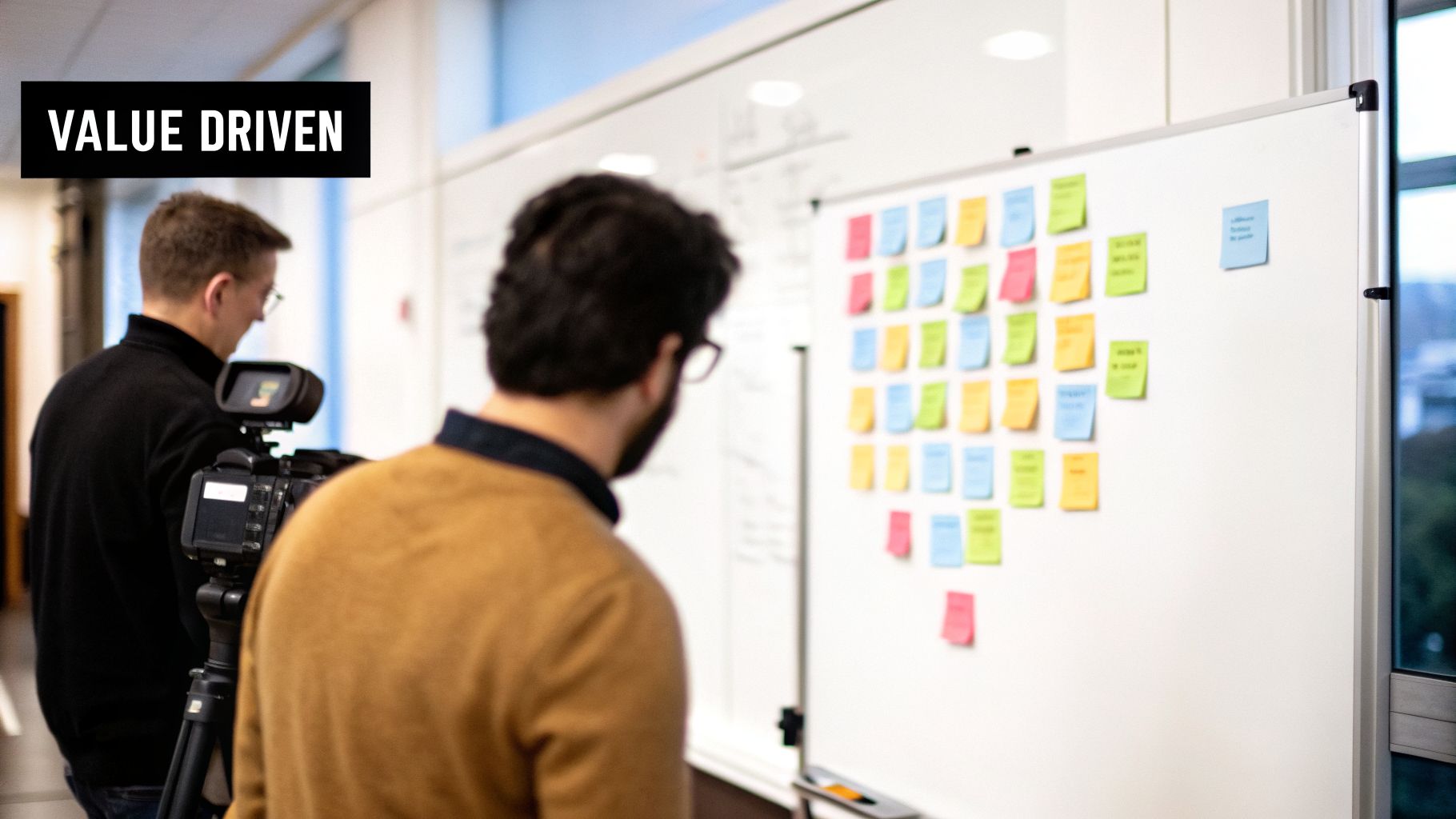
Knowing the theory behind user stories is one thing. Actually writing them under pressure is a completely different skill—and it’s one that separates a good Product Manager from a great one. Let’s move past the textbook definitions and into the real world, with examples you can use to sharpen your backlog tomorrow and crush your next case study interview.
One of the most common mistakes I see junior PMs make is writing vague, feature-focused requests instead of stories that scream user value. This simple error is a recipe for confusion, slows your team to a crawl, and leads to a product that just doesn't hit the mark.
From Vague Request to Value-Driven Story
Let’s walk through a classic scenario. Imagine you’re the PM for a SaaS analytics tool, and a stakeholder casually asks for "a dashboard export feature." A junior PM might write a story that looks something like this:
Before:
- "As a user, I want to export the dashboard."
This story is weak. Who is this "user"? Why do they want to export it? The engineering team is left with a dozen questions about the required format, context, and the actual goal. They're forced to guess, and guessing is expensive.
Now, here’s how a seasoned PM would tackle it:
After:
- "As a marketing manager, I want to export the campaign performance dashboard as a PDF, so that I can easily share a monthly progress report with my leadership team."
See the difference? This version is sharp, specific, and laser-focused on the why. It tells the team exactly who they’re building for (a marketing manager), the precise action needed (export as PDF), and the critical business value it unlocks (sharing reports with leadership). This clarity is what drives real results. For more examples like this, you can check out our guide on crafting user stories with acceptance criteria.
Critical Anti-Patterns to Avoid
As you write and refine your own stories, keep an eye out for these common traps. Spotting and fixing them will save your team countless hours of rework and frustration.
The Story That's Secretly an Epic: If a story feels way too big to finish in a single sprint, it’s not a story—it's an epic in disguise. A story like, "As a user, I want to manage my account," is a classic example. You have to break it down into smaller, shippable pieces like "change my password," "update my email address," and "add a payment method."
The Overly Prescriptive Story: Your job is to define the problem, not dictate the technical solution. A story like, "As a user, I want a dropdown menu to select my country," handcuffs your designers and engineers. Reframe it to focus on the need: "As a new user, I want to select my country during sign-up so that my shipping costs are calculated correctly." This gives your team the creative freedom to find the best solution, which might be a dropdown, a search bar, or something else entirely.
The Missing 'So That': A user story without the "so that…" clause is a feature without a soul. It's a command, not a shared goal. Always, always push yourself and your team to articulate the value. This ensures every single piece of work ties back to a bigger objective, which is fundamental when you're defining what an MVP is and deciding which features make the cut.
Common User Story Questions Answered
Theory is one thing, but when you're in the trenches as a Product Manager, the same few questions about user stories pop up again and again. Let's tackle the most common points of confusion with some quick, real-world answers.
How Is a User Story Different from a Use Case?
I love this question because the distinction is so important.
Think of it this way: a user story is a promise for a conversation, while a use case is a detailed contract.
The whole point of a user story is to be intentionally lightweight. It’s an invitation for the PM, developers, and designers to get in a room (or a Zoom) and hash out the details together. It’s built for speed and flexibility.
A use case is the opposite. It’s a formal document that tries to map out every single step, every exception, and every alternative path from the get-go. This is why stories are the lifeblood of Agile teams, while use cases feel more at home in traditional waterfall projects that require massive upfront documentation before a single line of code is written.
Who Is Responsible for Writing User Stories?
If you're following the Scrum guide by the letter, the Product Owner (or PM) is the one on the hook for creating and prioritizing the backlog. But the best PMs I know don't write stories in a vacuum.
They know writing user stories is a team sport.
The best practice is to run story-writing workshops. Get your developers, designers, QA, and even customer support folks involved in the process. This creates a powerful sense of shared ownership and, more often than not, uncovers critical edge cases or technical insights you would have completely missed on your own. Your job isn't just to be a scribe; it's to lead the conversation.
Can I Use AI to Write My User Stories?
Yes, and you absolutely should be. AI is no longer a novelty; it's a core competency for the modern PM. But think of it as an assistant, not a replacement. You can't just outsource your thinking.
Tools like ChatGPT-4 or Claude 3 are fantastic for accelerating your workflow. Use them to brainstorm initial stories, refine clunky wording, or generate potential acceptance criteria. For example, an aspiring AI PM could use this prompt:
Act as a Senior AI Product Manager at Google. Our team is building a new 'Magic Compose' feature in Gmail that uses generative AI to help users write emails. Draft three user stories for this feature, focusing on different user personas (e.g., a busy executive, a non-native English speaker, a sales representative). For each story, follow the 'As a, I want, so that' format and suggest three potential acceptance criteria.
This gives you a powerful starting point. However, the deep user empathy, strategic prioritization, and final sign-off have to come from you. Use AI to make you faster and more thorough, but always be the final human filter who ensures every story truly serves the user and the product vision.
At Aakash Gupta, we're dedicated to helping you master these skills. For more deep dives into product growth, management strategies, and career advancement, explore the resources at https://www.aakashg.com.
