I learned this the hard way: the template is rarely the problem. The problem is that most PMs treat templates like documentation artifacts, when the best teams treat them like operating systems for decisions.
When I was leading product teams, the strongest PMs did not win because they had prettier PRDs or cleaner roadmaps. They won because they knew which template to use, what to strip out, what to add for their company, and how to connect that document to execution. That matters even more now, especially for AI products where model behavior changes fast, stakeholder anxiety is high, and “done” is often fuzzier than anyone wants to admit.
So yes, product manager templates matter. But not because they save you from a blank page. They matter because they encode judgment. A good template forces a team to answer the uncomfortable questions early: What problem are we solving? What evidence do we have? What metric moves if this works? Who has to say yes? What do we do if the first launch underperforms?
That last part gets missed in most template roundups. Teams download a framework, fill it in once, then abandon it. Senior PMs do the opposite. They turn the template into a living operational tool tied to rituals, dashboards, reviews, and launch decisions.
That is the lens for this list. Not “which site has the most files,” though library depth does matter. The better question is which tools help you go from static planning to dynamic product management. For aspiring PMs, that means building better artifacts and a stronger portfolio. For senior PMs, it means showing leadership that your process produces clearer decisions, tighter alignment, and better follow-through.
1. Notion Product Templates
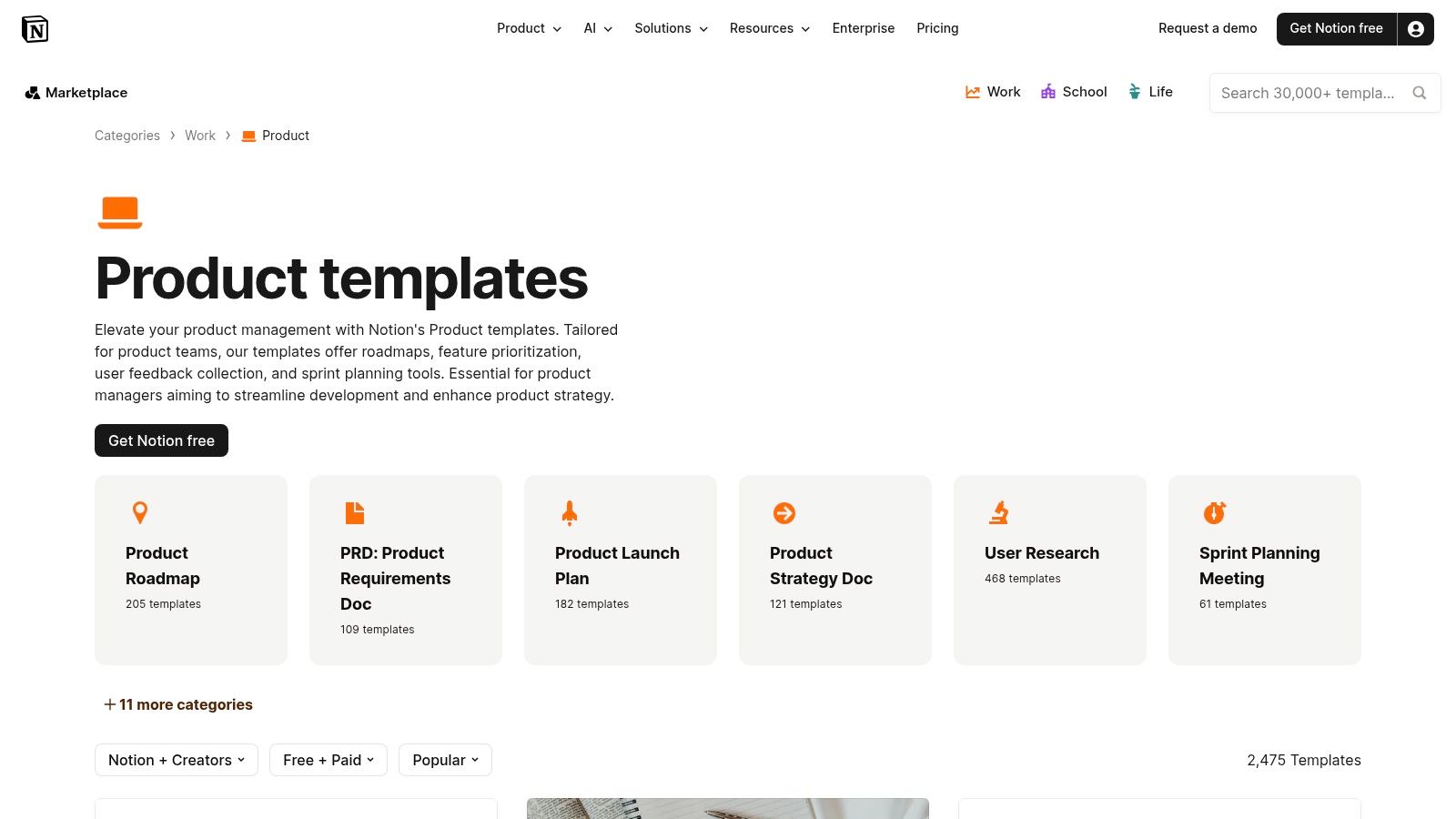
Notion’s product template marketplace is the easiest place to start if your team lives in docs and wants one workspace for PRDs, launch plans, user research, strategy notes, and team rituals.
What Notion gets right is velocity. You can duplicate a template into your workspace fast, then turn it into a living system with linked databases, board views, timelines, and calendars. For PMs, that matters more than having a perfect artifact on day one.
Where Notion works best
Notion is strong when your team needs one source of truth that blends narrative and structure.
A few patterns work especially well:
- PRD plus execution bridge: Write the narrative, then connect requirements to a task or project database.
- Research repository: Store interview notes, tag themes, and reuse insights across multiple bets.
- Launch command center: Keep messaging, risks, owners, and dependencies in one place.
If you are early in your career, Notion is also a good way to build a clean personal artifact library. A thoughtful product management template can become part of your interview prep, portfolio, or side project workflow.
The trade-off
Notion’s biggest strength is also its biggest weakness. Flexibility creates sprawl.
I have seen teams build elegant systems in Notion. I have also seen teams create a maze of pages, duplicate fields, and conflicting “single sources of truth.” Community templates vary in quality, and a slick cover image often hides weak thinking underneath.
Use Notion when your challenge is clarity and operating rhythm. Do not use it if your team really needs strong dependency management, rigid process controls, or analytics-heavy reporting.
For AI product work, add sections that most default templates miss: model assumptions, failure cases, human review paths, prompt versioning, and rollout guardrails. If you do not customize for those realities, the template becomes a theater prop.
2. Miro Product Management Templates
A roadmap review at Google taught me this lesson fast. The document was fine. The strategy was not. Engineering, design, and leadership were each reacting to a different mental model of the problem, and no amount of polishing the writeup fixed that. A shared canvas would have surfaced the disagreement in 20 minutes.
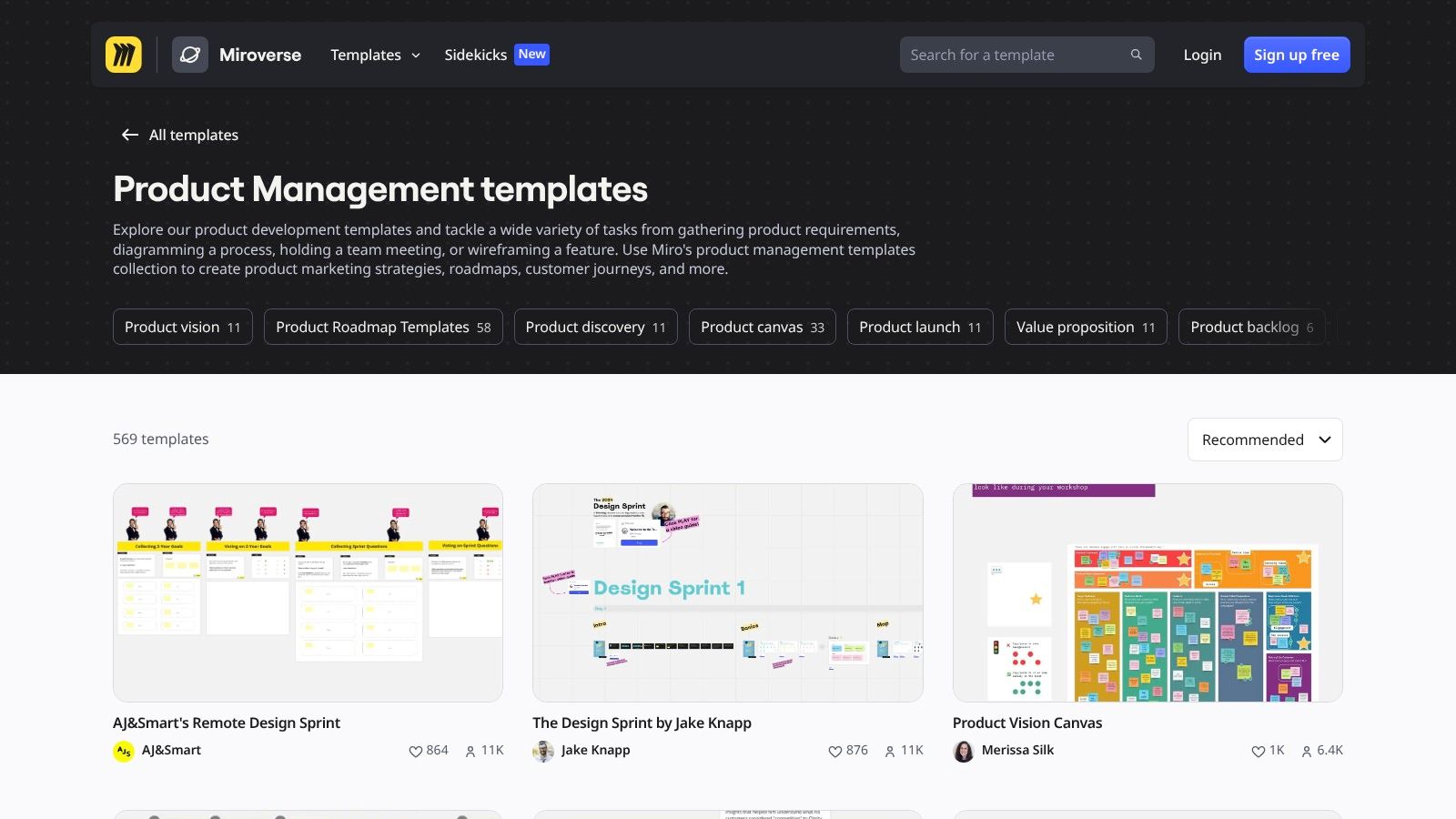
That is where Miro’s product management templates earn their place. Use Miro when the work depends on getting a group to see the same system, trade-offs, and open questions at the same time.
The library is broad, with templates for roadmaps, JTBD, MVP planning, prioritization, and workshop formats built for distributed teams. That range matters because product manager templates should match the decision being made. A discovery session needs a different structure than a quarterly planning review or a dependency mapping exercise.
Best use cases for Miro
Miro works best when a PM needs to facilitate thinking, not just capture outputs.
I use it for:
- Discovery kickoffs: Frame assumptions, user problems, risks, and unknowns before the team starts debating solutions.
- Prioritization sessions: Sort options in real time, expose hidden dependencies, and force sharper trade-off calls.
- Cross-functional planning: Get product, design, engineering, data, and go-to-market teams working from one visible picture.
Miro became much more important during the remote work shift, and that matches my experience leading distributed teams and conversations with other product leaders. Whiteboarding stopped being optional. It became part of the operating system for product teams that needed fast alignment across functions and time zones.
A canvas alone does not improve decisions, though. It needs a decision model behind it. That is why teams often get more value from Miro when they pair it with clear product management frameworks for prioritization, discovery, or strategic planning.
What breaks down
The common failure mode is easy to spot. The workshop goes well. Everyone participates. Then the board sits untouched as key decisions move back into Slack, Jira, and meetings.
Senior PMs prevent that by deciding, before the session starts, what the board is supposed to produce. Is it a decision, an input to a PRD, a ranked set of bets, or a workflow map that engineering will implement? If that handoff is fuzzy, the template becomes decoration.
If a board will not drive a decision or an execution artifact within a week, do not create it.
For AI PMs, Miro is especially useful for mapping system behavior, failure states, human review paths, and feedback loops. It helps teams see where prompts, models, policies, and user actions interact. It is less useful as the final system of record, so the practical move is to use the board to reach alignment, then convert the output into specs, tickets, or operating docs that leadership can track.
3. Coda Gallery for Product Teams
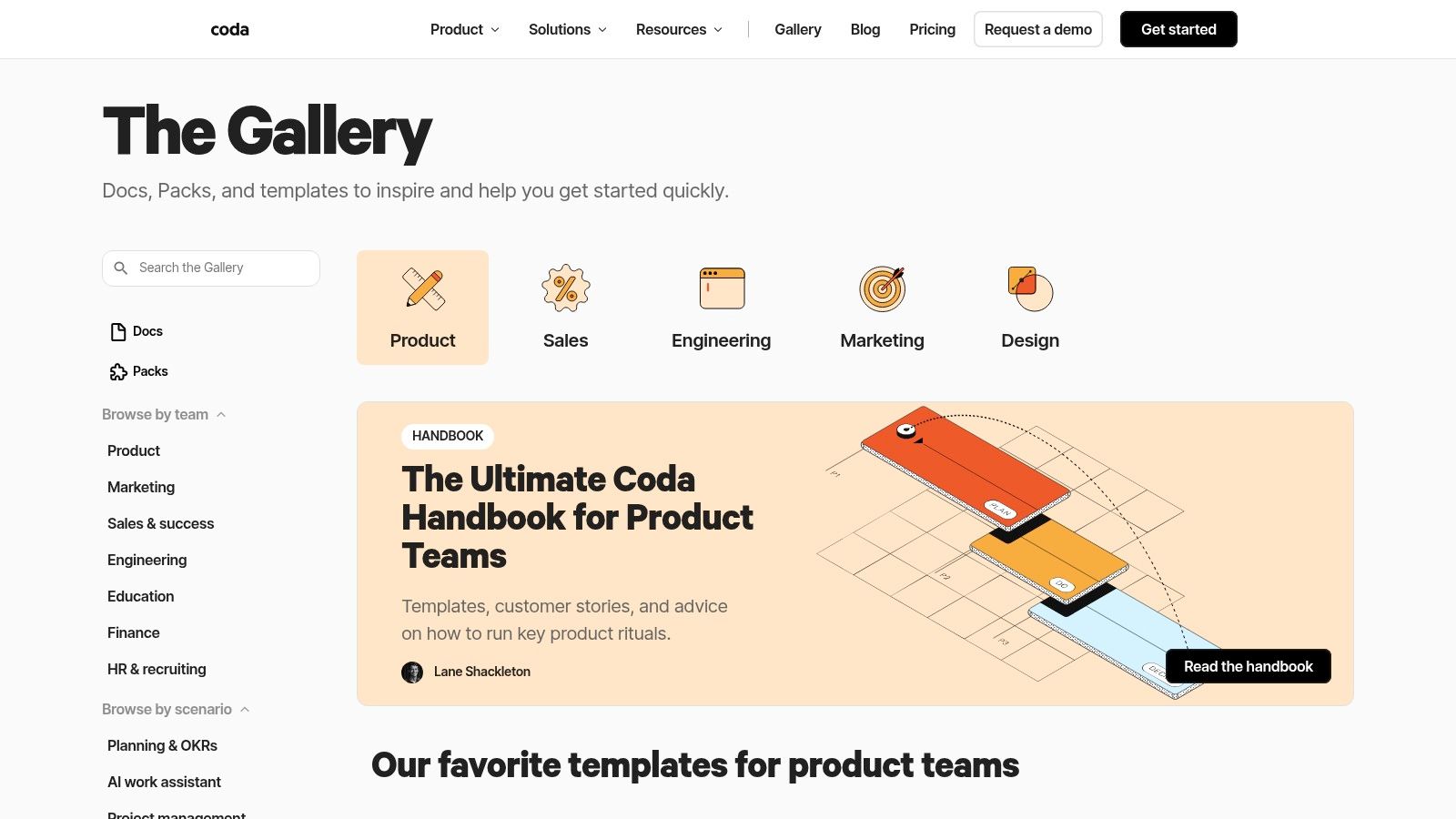
Coda’s gallery sits in a useful middle ground between docs and apps. That is why product teams either love it or bounce off it quickly.
If Notion is a flexible workspace and Miro is a collaborative canvas, Coda behaves more like a lightweight operating tool. Its templates can become interactive systems with tables, buttons, automations, and connected workflows.
Why experienced PMs like Coda
Coda is one of the better choices when a template needs to evolve into product operations.
Examples:
- A PRD that triggers review workflows.
- A launch brief connected to Slack, Jira, or GitHub.
- A decision log with status changes, owners, and reminders.
- An OKR tracker that rolls up team-level progress.
That matters for PMs trying to show business impact, not just writing quality. One of the most overlooked gaps in template content is post-decision measurement. Many PMs ask whether the template improved alignment or speed, but most free resources stop at the framework itself. That measurement gap is exactly where Coda can help because it supports automation and connected workflows better than static docs.
The cost of power
Coda asks more of you upfront. You need to think in systems, not pages.
For some teams that is a feature. For others it is overhead. A PM who just needs a simple PRD or roadmap may find Coda heavier than necessary. The learning curve is real, especially when you start building more complex logic or automations.
My advice is simple. Use Coda when repeated coordination is the problem. If you are solving for recurring launch motions, stakeholder approvals, AI evaluation workflows, or research triage, Coda’s “doc as app” model is compelling.
If you are solving for a one-off strategy memo, it is probably too much. Good product manager templates should reduce cognitive load, not introduce a new platform adoption project.
4. Airtable Product Templates
Airtable’s template support is a strong option for PMs who think in structured records, not long-form docs.
That distinction matters. Some product work is relational. Feedback links to accounts. Features link to epics. Releases link to launch tasks. Risks link to owners. Airtable handles that shape of work better than many document-first tools.
Where Airtable earns its keep
Airtable is especially useful for product ops and cross-functional coordination.
Its value shows up when you need:
- Structured launch calendars: Releases, dependencies, owners, and dates in one model.
- Feedback systems: A centralized intake tagged by segment, theme, and status.
- Reusable record templates: Repeatable workflows for every launch, experiment, or feature release.
- Custom views for different audiences: One base, multiple interfaces.
This is often the right answer when a PM team says, “We have too many spreadsheets and none of them agree.”
What PMs often miss
Airtable can look deceptively simple at first. Then the team realizes interface quality, permissions, and view design require real thought.
That is the trade-off. Airtable is powerful, but it rewards disciplined information architecture. If no one owns the schema, the base gets messy fast. If you do own the schema, the tool becomes a quiet workhorse.
I particularly like Airtable for AI product workflows that need human labeling queues, eval datasets, issue triage, and experiment tracking. Those are not always elegant in traditional PRD tools, but they fit naturally into records and linked views.
What does not work as well is executive storytelling. Airtable can support reporting, but it is not where I would draft a nuanced product narrative for leadership. Use it to structure the truth. Present the truth somewhere else.
5. Asana Product Team Templates
Asana’s product team templates are practical in the least glamorous but most important way. They connect planning to execution.
A lot of product manager templates fail because they sit outside the work system. The roadmap is in one place, the launch checklist in another, and tasks live somewhere else entirely. Asana reduces that gap if your company already runs execution inside Asana.
Why Asana works for delivery-heavy teams
Asana is a good fit when PMs need planning artifacts to turn directly into assigned work.
That includes templates for backlogs, launches, sprint planning, change logs, and cross-functional coordination. The built-in guidance also helps junior PMs ramp faster because the template usually nudges them toward owners, deadlines, goals, and next actions rather than abstract discussion.
If your specs eventually become delivery tickets, this setup is useful. It pairs well with crisp user stories with acceptance criteria because the handoff from intent to execution becomes cleaner.
Limits you should accept
Asana is not where I want my core thinking doc to live. It is better as a work orchestration layer than as a rich narrative environment.
That means many teams still pair it with a doc tool for strategy memos, PRDs, or research synthesis. That is fine. You do not need one tool to do everything.
For AI product launches, Asana can be particularly good for operational readiness. Model QA tasks, legal review, support enablement, monitoring setup, and fallback process checks all map well to task-based execution.
The mistake is asking Asana to do deep product reasoning. It is better at making sure the team follows through.
6. Trello Community Template Gallery
Trello’s template gallery is still one of the fastest ways to stand up a lightweight process.
I would not call it the most advanced option on this list. I would call it one of the most honest. Trello knows what it is: a board-centric tool that works best when the workflow is simple, visible, and shared.
When Trello is the right answer
Trello works well for:
- Simple roadmaps
- Backlog triage
- Intake pipelines
- Release tracking
- Public-facing planning boards
For startups, student projects, and small PM teams, that can be enough. There is value in a template that your team uses over a more advanced system they ignore.
I have seen early-stage companies overbuild their product process with heavyweight tools before they even had a stable release cadence. Trello avoids that trap.
Where it runs out of road
The board metaphor becomes limiting once your world gets more complex.
Dependencies, deeper reporting, and multi-layer planning need more than cards moving left to right. Yes, Power-Ups and paid views can extend the system. But if you are trying to manage portfolio-level planning or nuanced product analytics inside Trello, you are forcing the tool.
Trello is best for operational simplicity. It is not a strong fit for senior PMs trying to communicate strategy upward or for AI teams managing evaluation, governance, and cross-functional risk.
Still, there is a place for it. Product manager templates should match organizational maturity. Trello is a perfectly respectable answer for teams that need clarity before sophistication.
7. ProductPlan Roadmap Templates
ProductPlan’s roadmap templates are built for a specific job: communicating strategy to different audiences without pretending that one roadmap serves everyone.
That is a senior-level instinct. The roadmap you present to the executive team should not look like the roadmap your engineering leads need. ProductPlan leans into that reality.
Why roadmap specialization matters
ProductPlan stands out in this area. It offers roadmap formats designed for audience and purpose, including executive-facing, portfolio, release, and customer-oriented views.
Most PMs do not need more roadmap artifacts. They need fewer, better-targeted ones.
A useful pattern is to maintain one core strategic source of truth, then derive audience-specific views. That is much closer to how strong product organizations operate. It also lines up with common product roadmap best practices, especially separating strategic themes from delivery detail.
The practical downside
ProductPlan is strongest if you are committed to using ProductPlan, not just browsing its examples.
Outside the product, templates can become static inspiration rather than a working system. That is not useless, but it is less valuable than an in-tool setup your team updates regularly.
This is also a tool with narrower scope than broad workspace platforms. If you want one place for PRDs, research, decision logs, and sprint operations, ProductPlan is not trying to be that.
I like it most for product leaders who need to sharpen roadmap communication discipline. If your team keeps arguing because different stakeholders are looking at mismatched roadmap formats, a focused roadmap tool can be a relief.
8. Aha! Roadmap and Product Management Template Library
When I was leading larger product groups, the hard part was rarely writing the roadmap. The hard part was getting strategy, delivery, and executive reporting to stay connected as the org added teams, metrics, and review layers. That is the problem Aha! is built to solve.
Aha!’s roadmap template guide is useful because it covers more than roadmap visuals. The library spans planning, releases, portfolio views, and reporting patterns that can support an operating cadence, not just a one-time artifact.
Why Aha! works for mature PM organizations
Aha! fits teams that already have real process complexity. If leadership expects a consistent way to track goals, initiatives, releases, and outcomes across multiple teams, the template library gives PMs a structured starting point instead of forcing every team to invent its own format.
Its reporting layer matters just as much as the roadmap templates. Aha! reporting templates show how the platform turns product data into dashboards, list reports, and portfolio views that executives can review. For leaders trying to show value to executives, this serves as a strong example of templates becoming a management system instead of a static file.
That distinction matters even more for AI products.
AI teams often need to track model quality, evaluation criteria, rollout stages, risk reviews, and human-in-the-loop operations alongside normal delivery work. A generic roadmap template usually breaks under that weight. Aha! is more useful if you adapt its structures to include AI-specific checkpoints, such as experiment status, safety review, and post-launch monitoring, rather than treating the template as finished out of the box.
For PMs who want to learn the core structure before committing to a heavier system, a free product roadmap template for product teams is a sensible place to start.
The trade-off with enterprise structure
Aha! asks for discipline. Teams need clear taxonomy, regular updates, and agreement on what each field means. Without that, the templates create administrative noise instead of clarity.
Smaller teams often feel that weight immediately. They are usually right. If the company is still deciding how planning works, Aha! can feel like installing process before the team has earned it.
I recommend it most for organizations that need repeatable portfolio reviews, cleaner executive communication, and tighter links between planning and reporting. True skill is not filling in the template; it is deciding which decisions, metrics, and review points belong in the system at all. Senior PMs will get more value from it than junior PMs.
9. Productboard Templates
Productboard is worth considering if your company already treats customer feedback, prioritization, and roadmapping as one connected workflow.
That is the core idea. Productboard is less about standalone templates and more about standardizing product decisions inside a customer-centric system. For many PM teams, that is more valuable than another document template gallery.
Why Productboard fits modern PM work
Productboard’s in-app description templates help normalize feature records, specs, and objectives. Its AI-oriented workflows are also relevant for teams that want drafting support for common PM artifacts.
AI products put pressure on PM teams to synthesize feedback faster, spot patterns earlier, and produce clear documentation under uncertainty. Productboard’s approach can help if your biggest problem is signal overload from customers, sales, and support.
Another under-discussed issue in template design is B2B and enterprise customization. Many generic templates assume simple user journeys and a narrow set of stakeholders. Enterprise products often need more room for procurement, admin setup, compliance, integration complexity, and multi-team adoption. Productboard’s customer-centric model tends to handle those realities better than startup-flavored template packs.
Where caution is warranted
The value is highest when your team lives in Productboard.
If you only want a static PRD or strategy document, you can get that elsewhere with less friction. Productboard pays off when insight capture, prioritization, and roadmap communication are all part of the same operating model.
For AI PMs, I would push the templates further. Add sections for quality evaluation criteria, hallucination risks, model fallback behavior, and trust signals. The base structure helps, but the PM still has to apply judgment.
10. Tempo Strategic Roadmaps
Tempo’s templates, including the former Roadmunk roadmap styles, are a solid fit for teams that want roadmap variety without a lot of hunting.
The practical appeal is straightforward. You can browse product development, feature, and innovation roadmap patterns, then adapt them for business, product, or technical audiences.
What Tempo does well
Tempo is useful when your roadmap communication problem is visual framing.
Some stakeholders need a strategic time horizon. Others need initiative grouping. Others want a feature-oriented view tied more closely to delivery. Tempo supports that range well enough for many organizations, especially those connected to Atlassian tools.
This makes it attractive for PMs who want a quick way to improve roadmap communication without rebuilding their whole stack.
The trade-off
Tempo’s roadmap templates are practical, but this is still a roadmap-first solution.
If your main issue is discovery rigor, PRD quality, or launch process discipline, you will need other tools around it. Also, because the Roadmunk transition now sits under Tempo branding and flows, some teams may find the experience a little less direct than older standalone resources.
That said, I like roadmap tools that admit their lane. Not every platform needs to be an all-in-one PM operating system. Sometimes you just need a clearer roadmap, a better stakeholder view, and a faster way to adapt the message.
Top 10 Product Manager Templates Comparison
| Platform | Core features | Best for (👥) | Quality (★) | Unique / Why choose (✨🏆) | Pricing (💰) |
|---|---|---|---|---|---|
| Notion Product Templates (Official) | Large catalog, composable DBs, one‑click dupes | 👥 PMs needing doc-rich templates & playbooks | ★★★★☆ (varies) | ✨ Huge variety + seamless workspace import | 💰 Free & paid templates; workspace tiers |
| Miro Product Templates (Miroverse + native) | Visual canvases, workshop tools, realtime collaboration | 👥 Discovery teams & remote workshops | ★★★★★ | ✨ Built‑in facilitation (voting, mapping) 🏆 | 💰 Freemium; advanced features on paid plans |
| Coda Gallery for Product Teams | Interactive docs, automations, Packs (integrations) | 👥 Product ops & PMs building lightweight apps | ★★★★☆ | ✨ Automations + app‑like templates | 💰 Freemium; automations/Packs may require paid |
| Airtable Product Templates | Relational bases, interfaces, record templates | 👥 Ops/PMs needing structured backlogs & reporting | ★★★★☆ | ✨ Relational model + reusable patterns | 💰 Freemium; plan/record limits may apply |
| Asana Product Team Templates | Task‑linked templates, embedded guidance, rules | 👥 Execution-focused teams using Asana | ★★★★☆ | ✨ Plans → execution visibility & guidance | 💰 Freemium; advanced reporting & rules paid |
| Trello Community Template Gallery | Board templates, Power‑Up suggestions, easy sharing | 👥 Lightweight teams & quick roadmaps | ★★★☆☆ | ✨ Fast to stand up; easy stakeholder share | 💰 Free; Power‑Ups/advanced features paid |
| ProductPlan Roadmap Templates | 25+ roadmap formats with usage guidance | 👥 PMs focused on stakeholder roadmaps & comms | ★★★★☆ | ✨ Audience‑specific roadmap patterns | 💰 Paid (sales‑led) |
| Aha! Template Library | 100+ strategy→delivery templates (downloads & live) | 👥 Enterprise PMs & strategy teams | ★★★★★ | ✨ Breadth for strategy-to-delivery 🏆 | 💰 Enterprise pricing + add‑ons |
| Productboard Templates (Docs + In‑app) | Strategy guides, in‑app spec templates, AI add‑on | 👥 Customer‑centric PM teams on Productboard | ★★★★☆ | ✨ AI drafting (Spark) + insights → prioritization | 💰 Paid; AI add‑on/credit costs |
| Tempo Strategic Roadmaps (Roadmunk) | Editable roadmap templates, multiple visual styles | 👥 Teams needing multiple roadmap views (Atlassian users) | ★★★★☆ | ✨ Quick adaptable visuals + Atlassian Integrations | 💰 Freemium/paid plans; standard pricing |
Final Thoughts
The wrong way to use product manager templates is to ask, “Which one is best?”
The better question is, “Which template system best supports the decision I need to make, the team I need to align, and the proof I need to show afterward?” That is the shift from junior PM behavior to senior PM behavior.
Early-career PMs often optimize for completeness. They want the perfect PRD, the perfect roadmap, the perfect launch checklist. That instinct is understandable, but it can become performative. A template is useful only if it sharpens thinking and accelerates execution.
Senior PMs use templates differently. They cut sections no one reads. They add fields leadership cares about. They connect the artifact to rituals. They review it after launch and ask whether it helped the team make better decisions. That is where templates start becoming a multiplier.
A few rules have held up across every team I have led:
First, pick the tool that matches the bottleneck. If the team lacks shared understanding, use a collaborative canvas like Miro. If the team lacks operational structure, use Airtable, Asana, or Coda. If the team lacks roadmap communication discipline, ProductPlan, Aha!, or Tempo may be the better fit. If the team needs a flexible home for docs and lightweight workflows, Notion is often the easiest starting point.
Second, customize aggressively. Generic templates are built for broad adoption, not your exact business. This matters even more in AI product work. Standard PRDs rarely account for model uncertainty, evaluation criteria, user trust, fallback flows, or human review. If your team is shipping AI features, your templates need to reflect that reality.
Third, measure whether the template changed anything. Many PMs stop too early at this point. In SaaS, the median product activation rate is 17%, while top-performing companies reach 65% (Product Marketing Alliance on product adoption metrics). Feature adoption is another useful lens. Mature products often expect core features to land in the 40% to 60% range, while advanced features may sit closer to 20% to 30% (ProdPad on feature adoption metrics). Those numbers are not about templates alone, but they are exactly the kind of outcomes your templates should help a team monitor and improve.
Fourth, do not confuse artifact quality with leadership. Leadership is knowing when a template is helping and when it is slowing everyone down. Over-template and you get process theater. Under-template and the team repeats the same avoidable mistakes.
If you are building your own product management system, start small. Pick one recurring workflow this week. Product review, launch readiness, user research synthesis, roadmap communication, or AI evaluation. Choose one template, adapt it to your environment, and run it in a real meeting. Then refine it based on what broke.
That habit is more valuable than downloading fifty frameworks you never operationalize.
If you want extra examples beyond software libraries, Aakash Gupta also publishes practical product resources, including templates aimed at PM career development and execution workflows.
If you want more tactical PM frameworks, career guidance, and practical resources for breaking in or leveling up, explore Aakash Gupta.

2 replies on “10 Product Manager Templates for 2026: The Ultimate Guide”
[…] If you want a place to store these scripts and related planning assets, a lightweight system with reusable docs and templates helps. One option is keeping them alongside your operating documents and checklists, similar to the resources collected in these product manager templates. […]
[…] Want more templates? I keep a list of 10 product manager templates. […]